Read, follow and listen across sources you choose.
STIQRA brings user-added RSS and Atom feeds, topic tracking, supported podcast downloads, local audio playback, translation, reports and source diagnostics into one native reading workspace.
Security and privacy protections are included for everyone. They are never an optional paid upgrade.
No XMAKYNA backend, no tracking or profiling, and no third-party analytics. You choose your sources, and your data stays on your device with optional private iCloud synchronisation.
These protections describe STIQRA. Feed retrieval contacts the providers you choose, and external actions are initiated by you.
STIQRA SECURITY CAPABILITIES
Advanced security. Built in.
STIQRA is engineered to use Apple's advanced hardware-assisted security protections on supported devices, alongside strict Swift memory-safety checks and isolated processing of untrusted content.
MIEMemory Integrity Enforcement
PACPointer Authentication
Hardened HeapStrengthened memory allocation
Guard ObjectsAdditional memory protection
Read-Only ProtectionProtected platform memory
Isolated HelpersRestricted processing for untrusted input
Capabilities
What you can do with the sources you choose.
Build a source-led reading library
Organise items from feeds you selected, keeping their publisher attribution visible as the library grows.
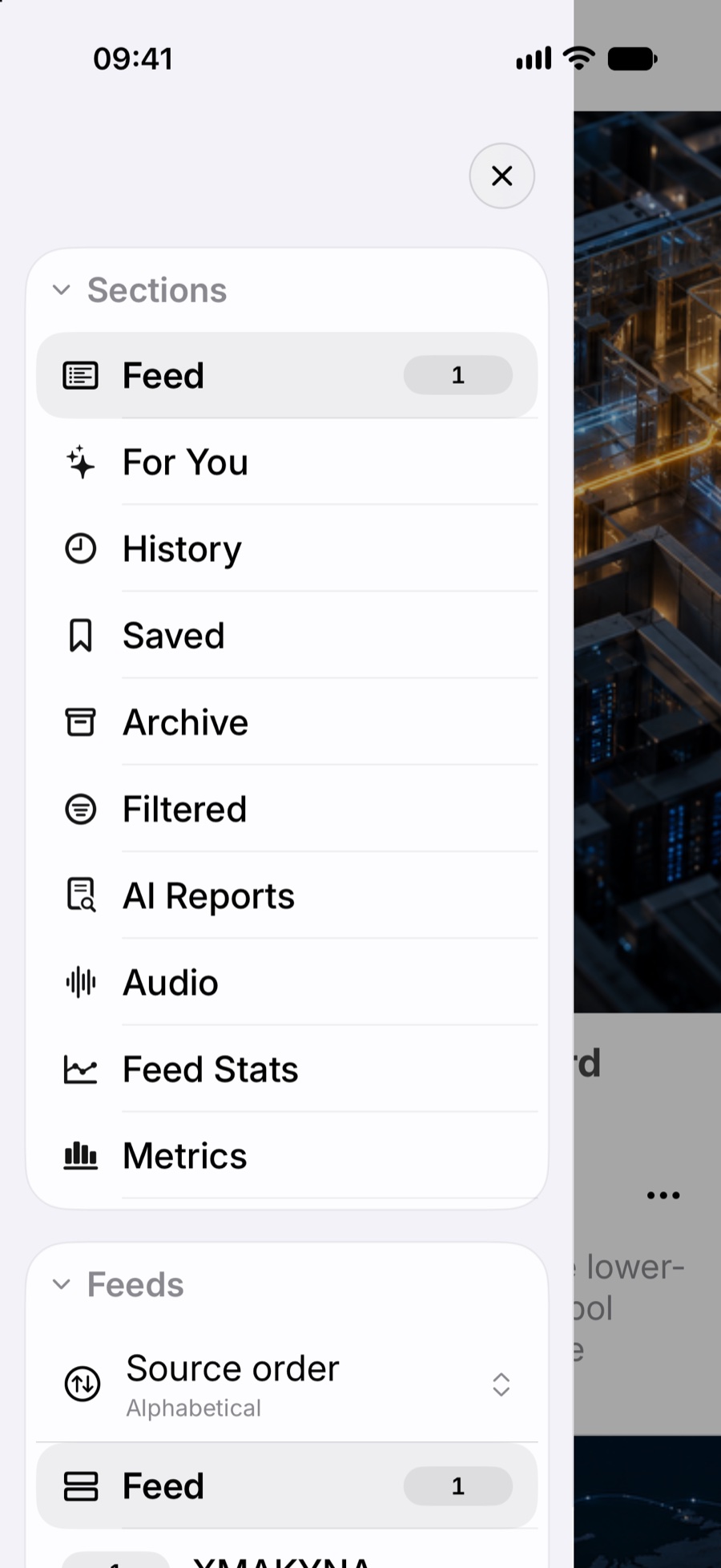
Feed and personalised topic views
Saved, history, archive and filtered sections
Article search and filters
Batch actions and keyboard navigation where supported
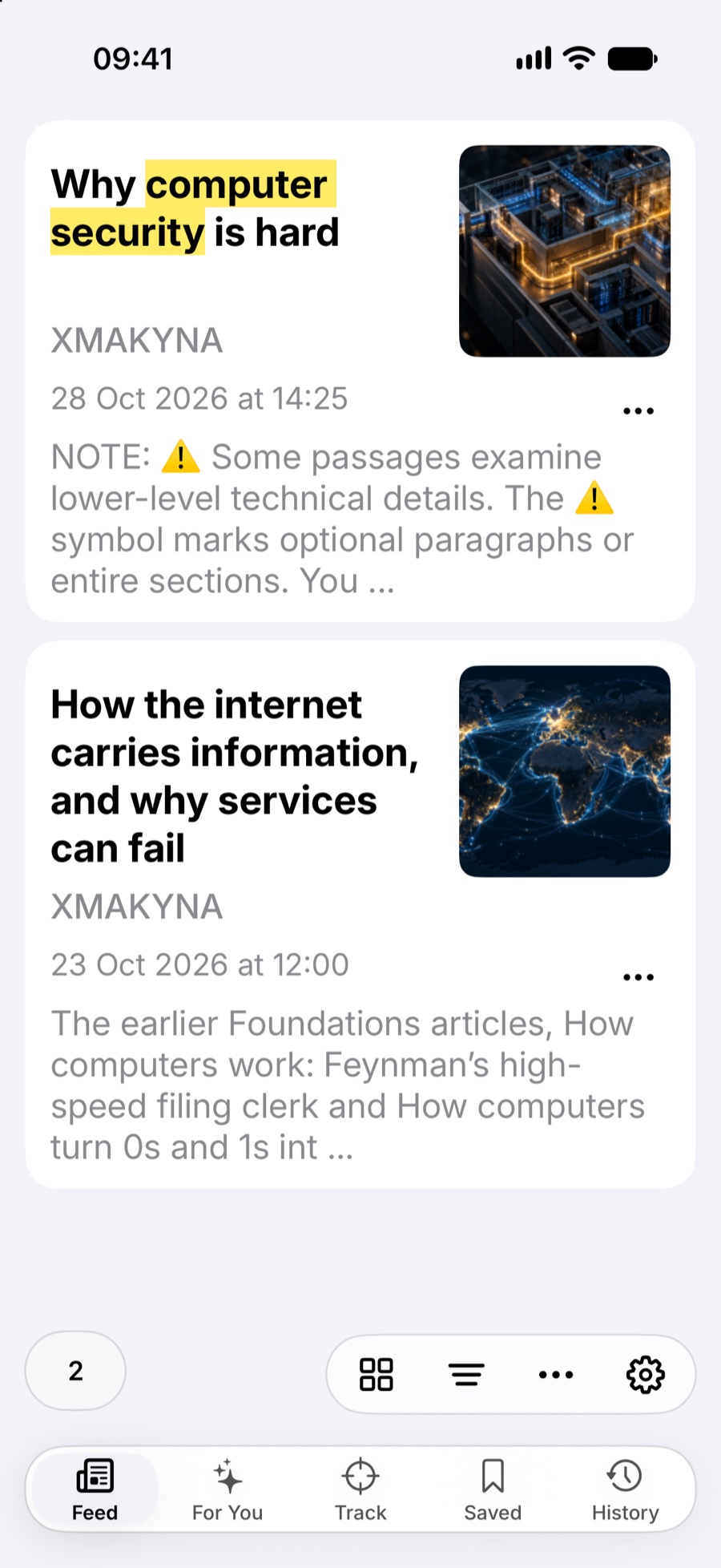
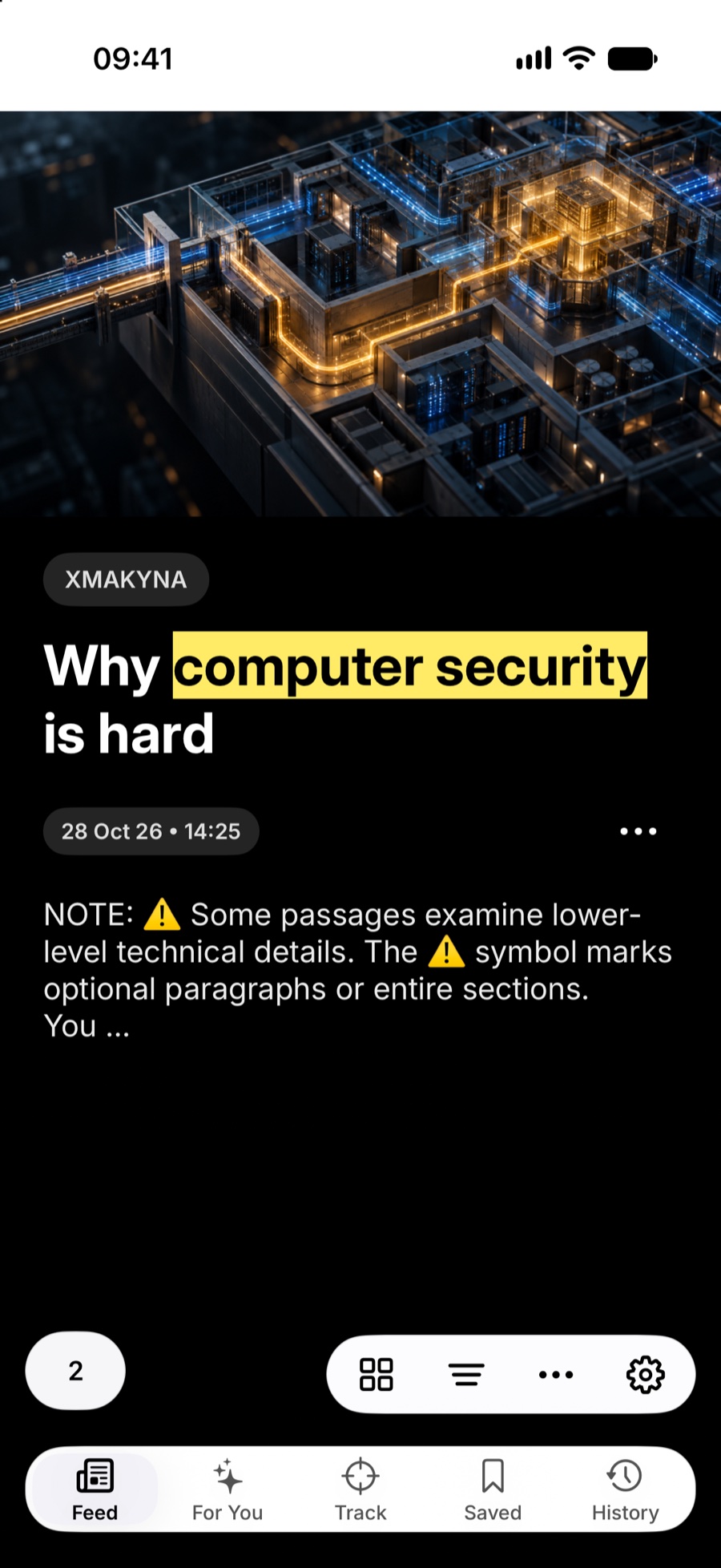
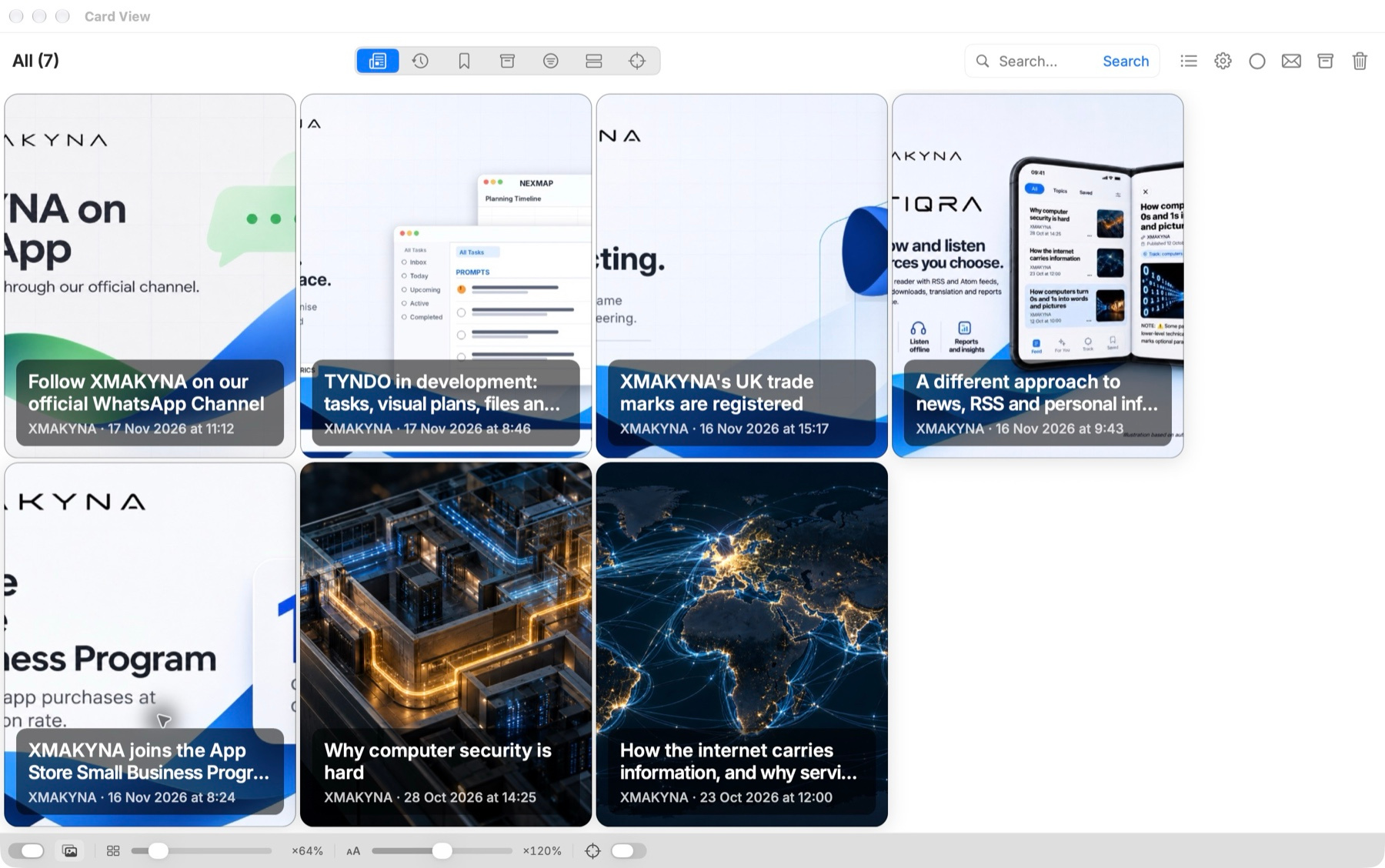
Card viewList viewStory view
Track coverage across sources
Follow your chosen keywords and inspect locally grouped related feed items while retaining each publisher’s attribution.
Tracked topics and keyword matching
Source-specific views
Related-story clusters where supported
Local relevance or priority ordering where available
Navigate your topicsTrack selected words
Listen to podcasts and written items
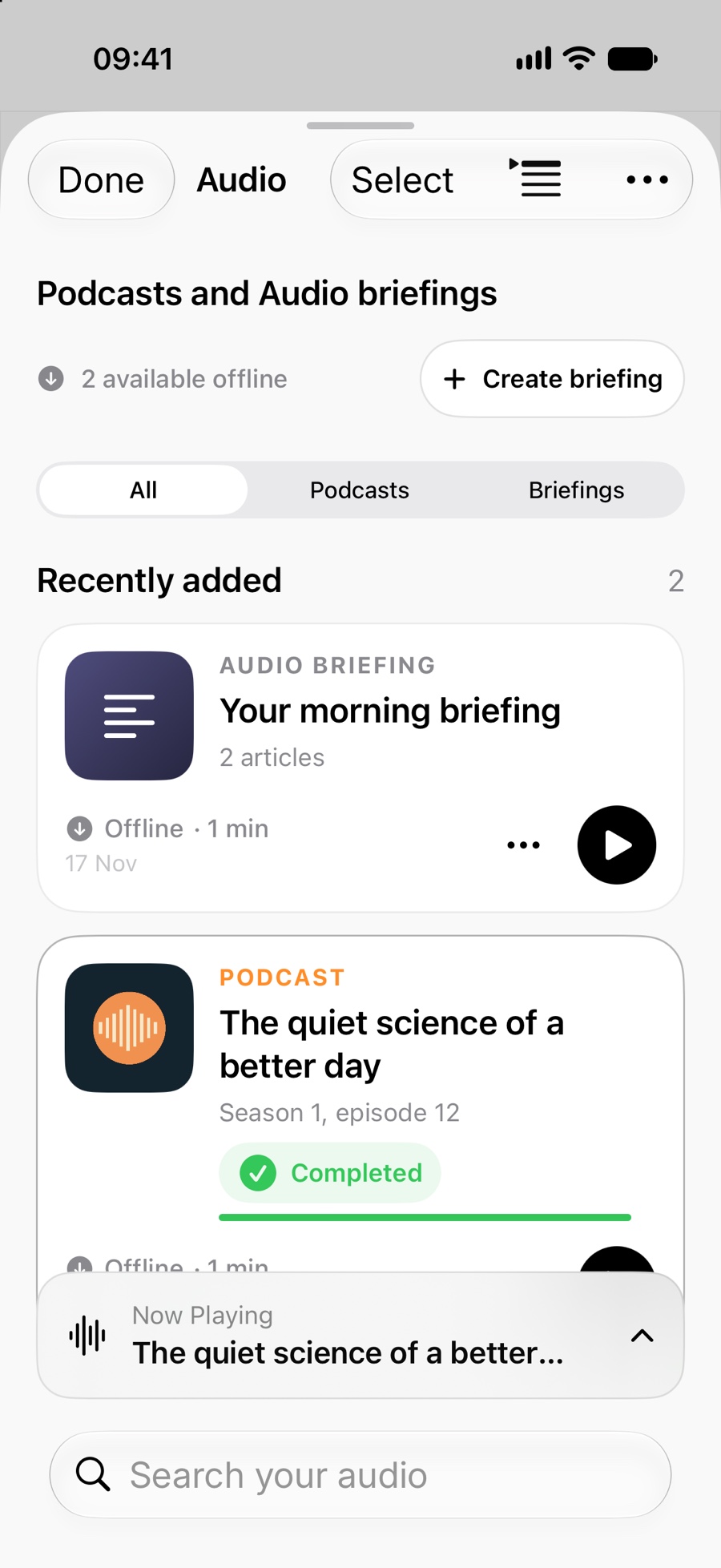
Download supported publisher audio episodes for local playback, or listen to generated speech from selected written content.
Supported publisher audio from feeds, downloaded before playback
Locally generated speech from selected feed content
Playback controls for supported audio
User-initiated sharing and system audio controls where supported
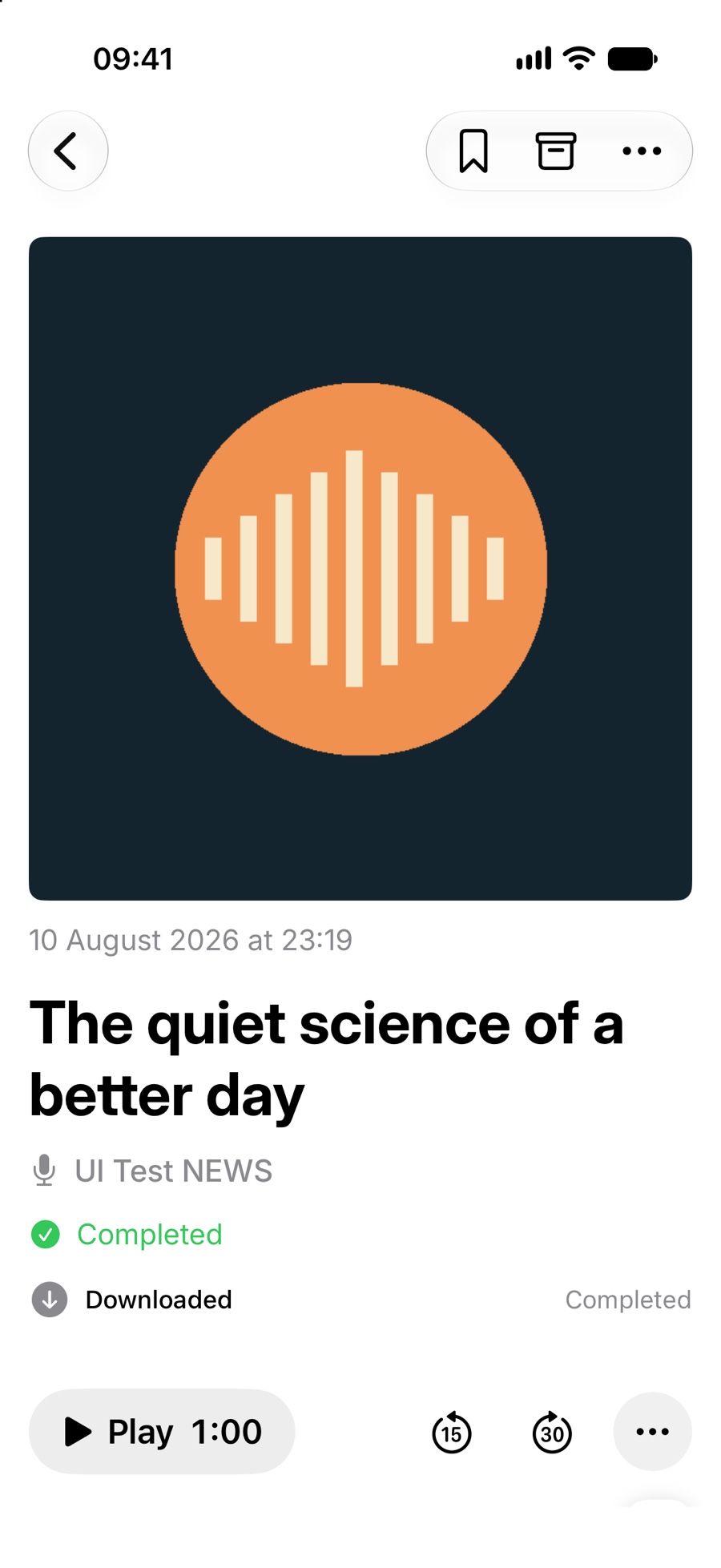
Downloaded podcast episode
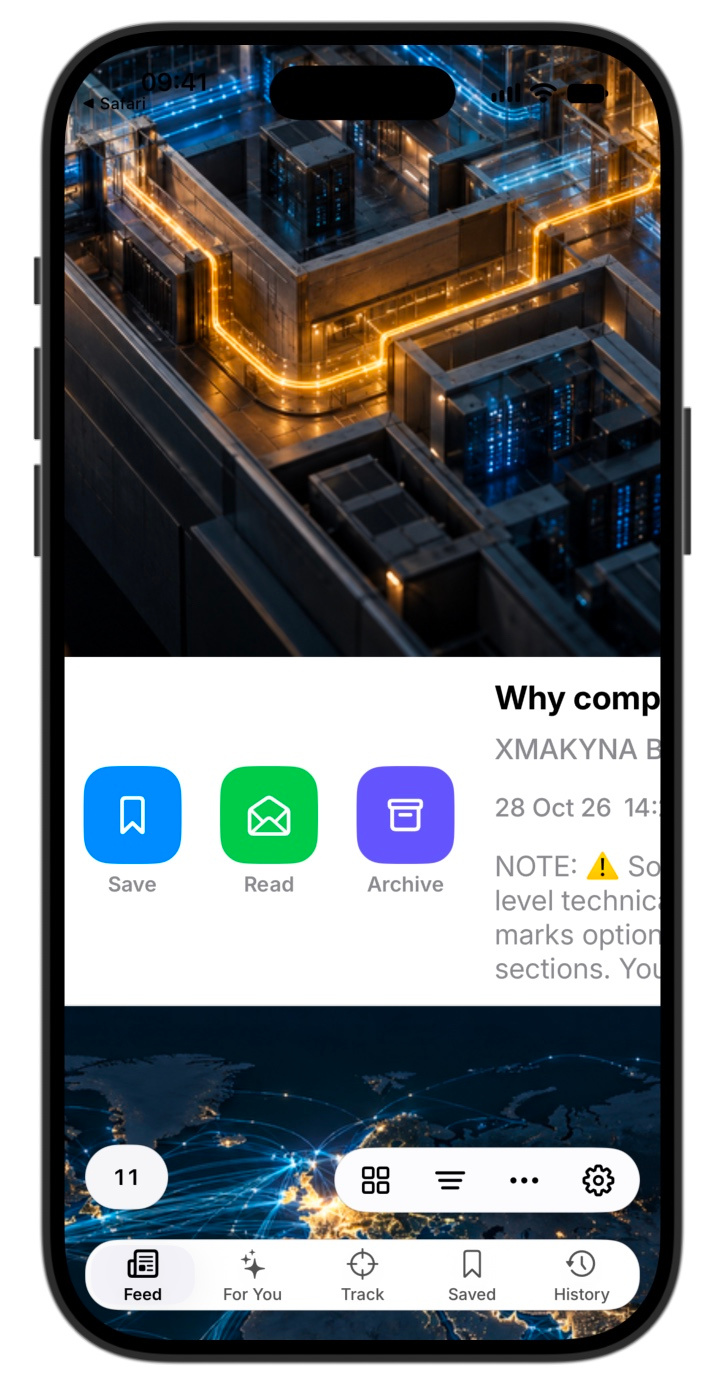
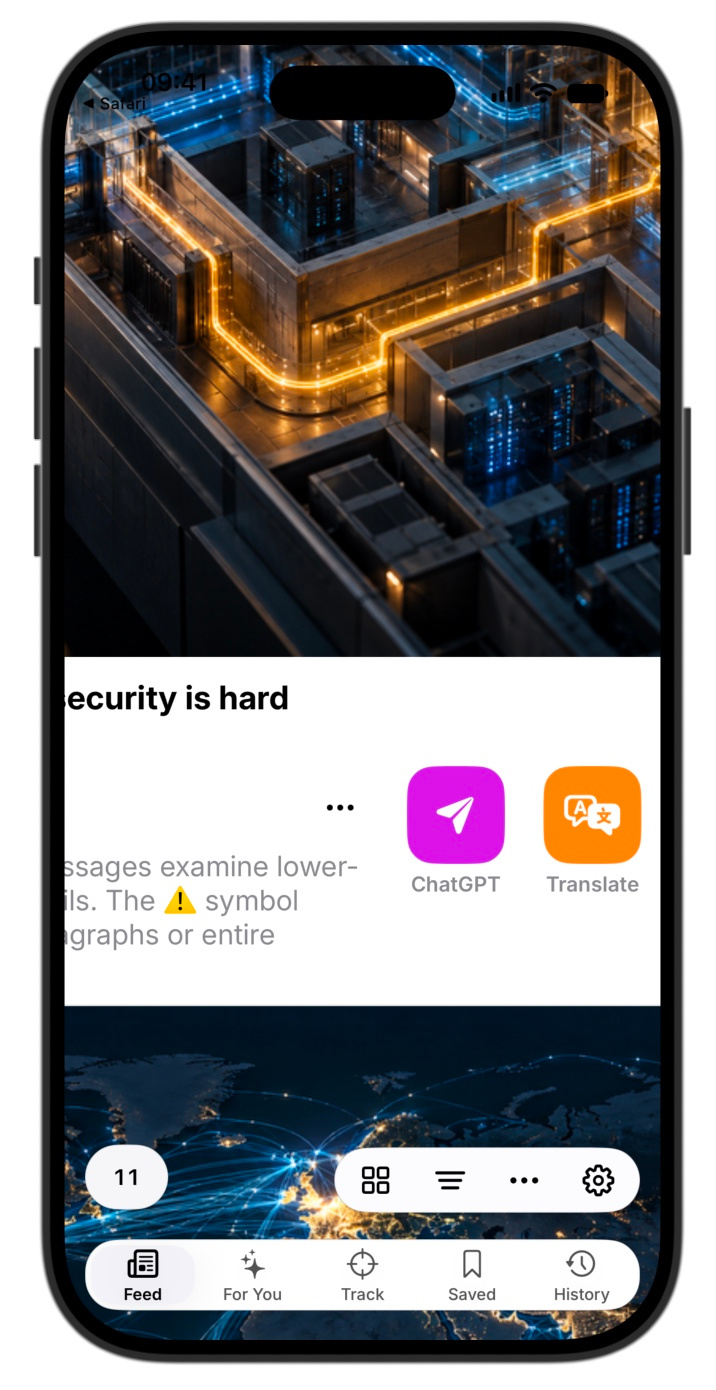
Swipe for article actions
Swipe a card to reveal shortcuts for managing an article or opening tools like Translate.
Save, mark as read, or archive
Open ChatGPT or Translate
Save, mark as read or archiveOpen ChatGPT or Translate
Translate and prepare reports
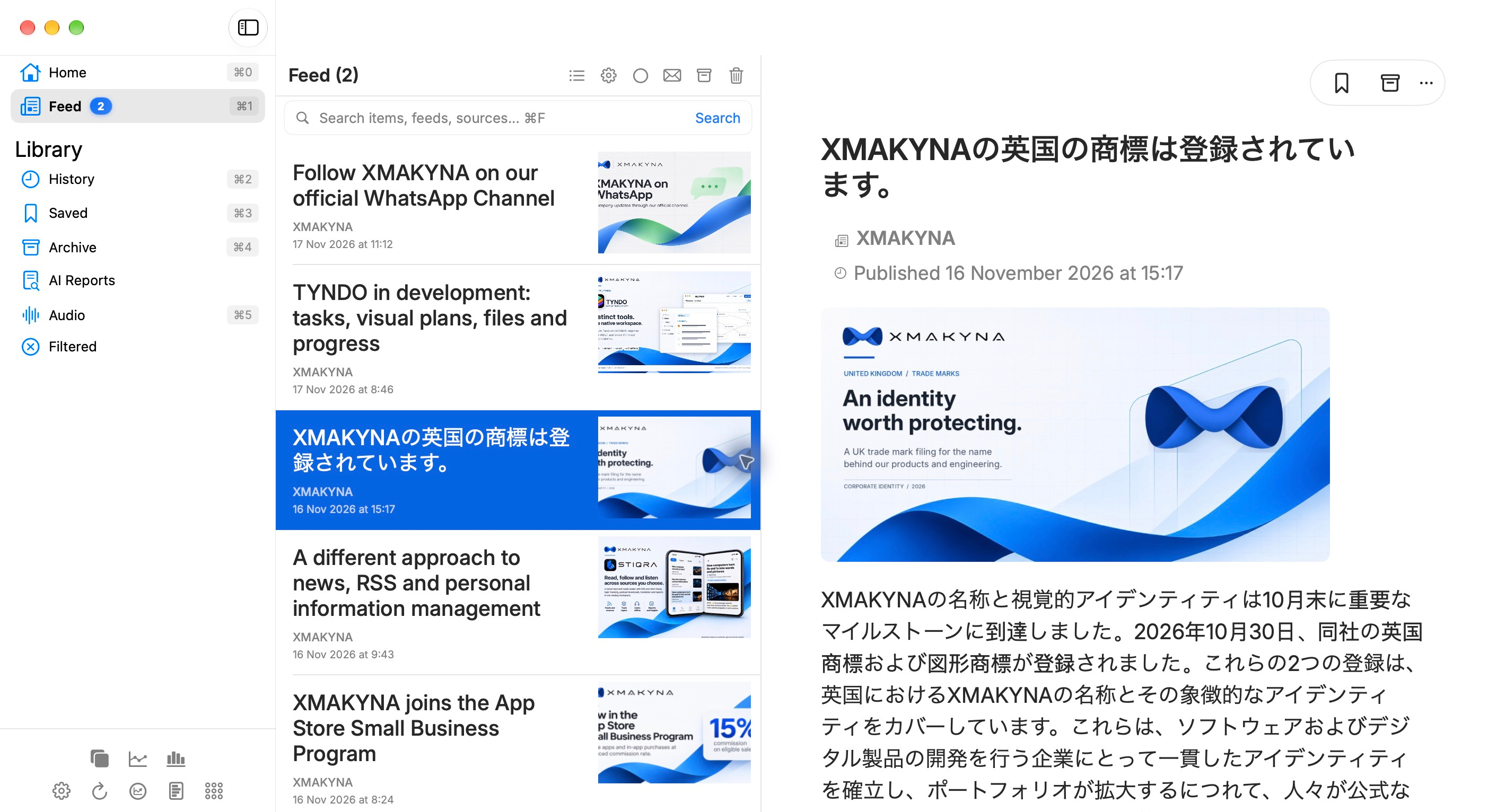
Use Apple Translation for selected text, or prepare a prompt to take to ChatGPT and import the resulting report separately.
Translation of selected articles with supported Apple language resources
Translation of related items where supported
Explicit, user-reviewed ChatGPT prompt handoff
Import and display of supported .stiqrareport files
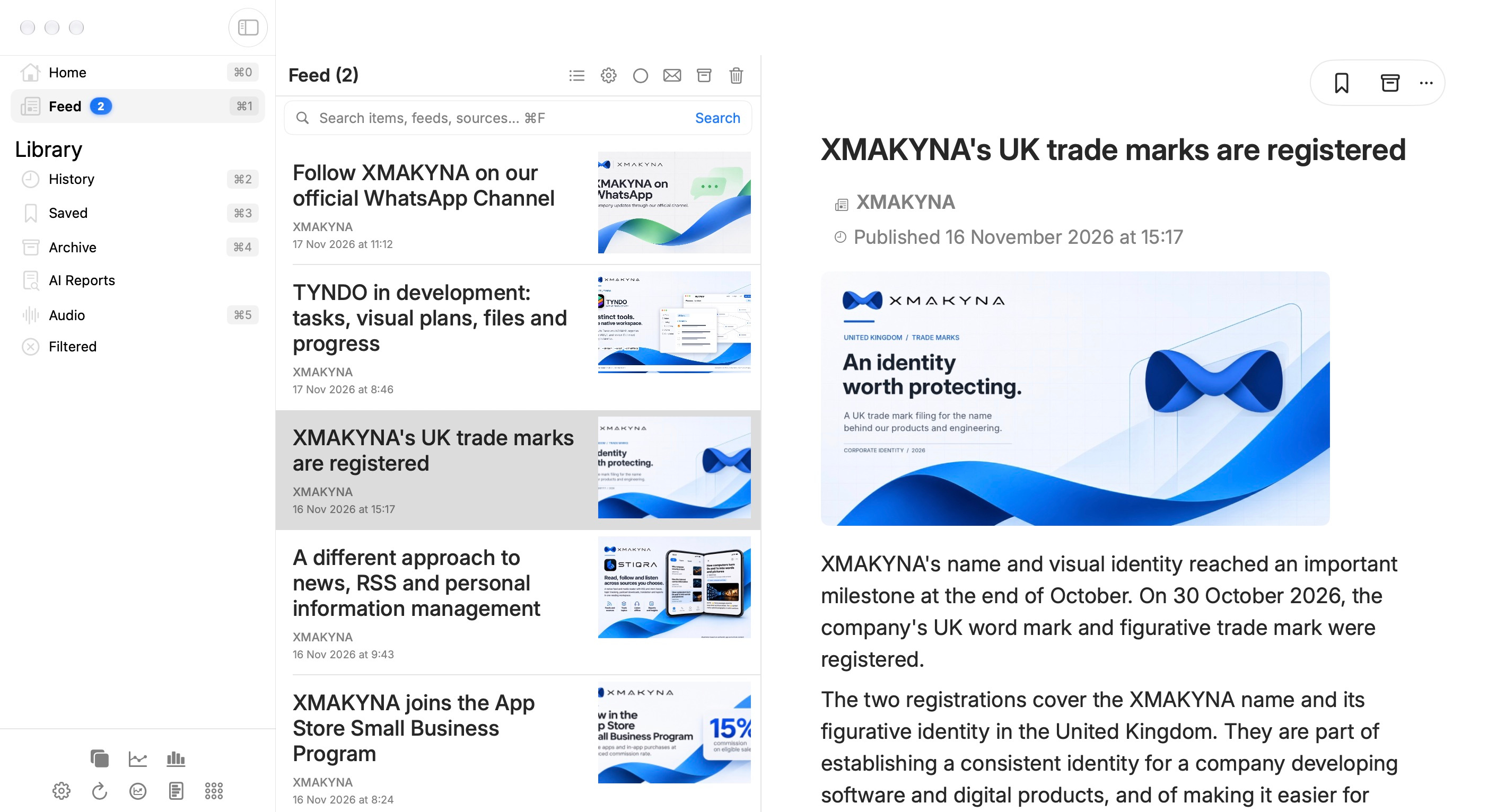
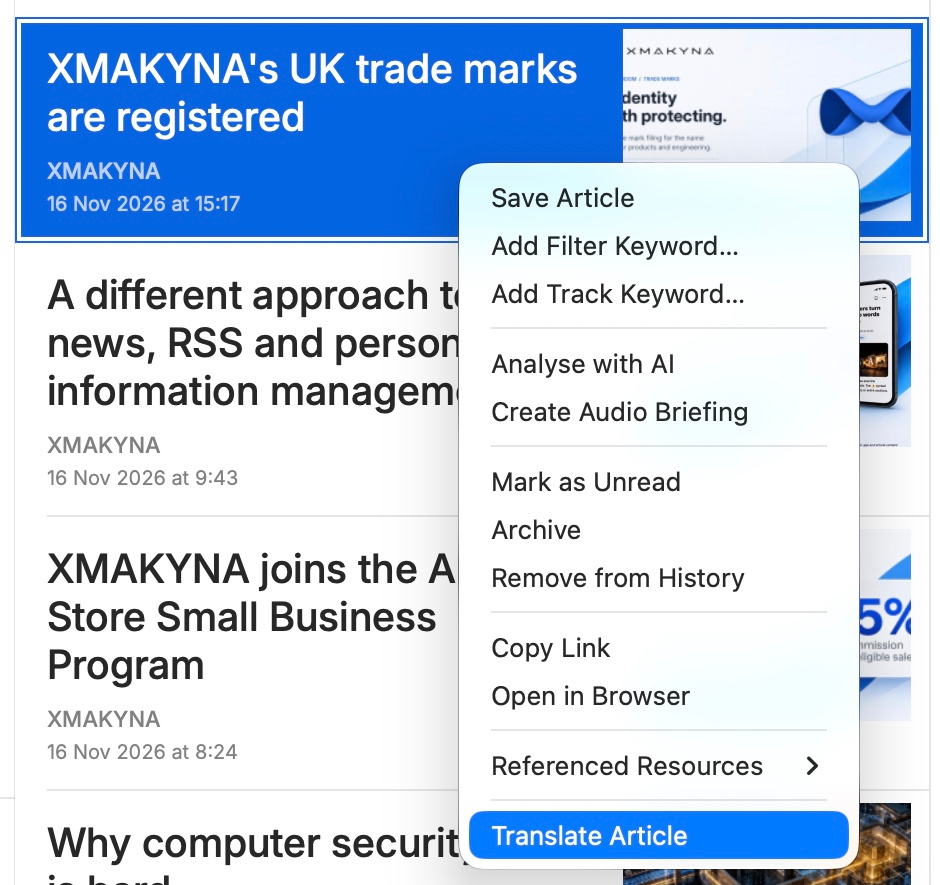
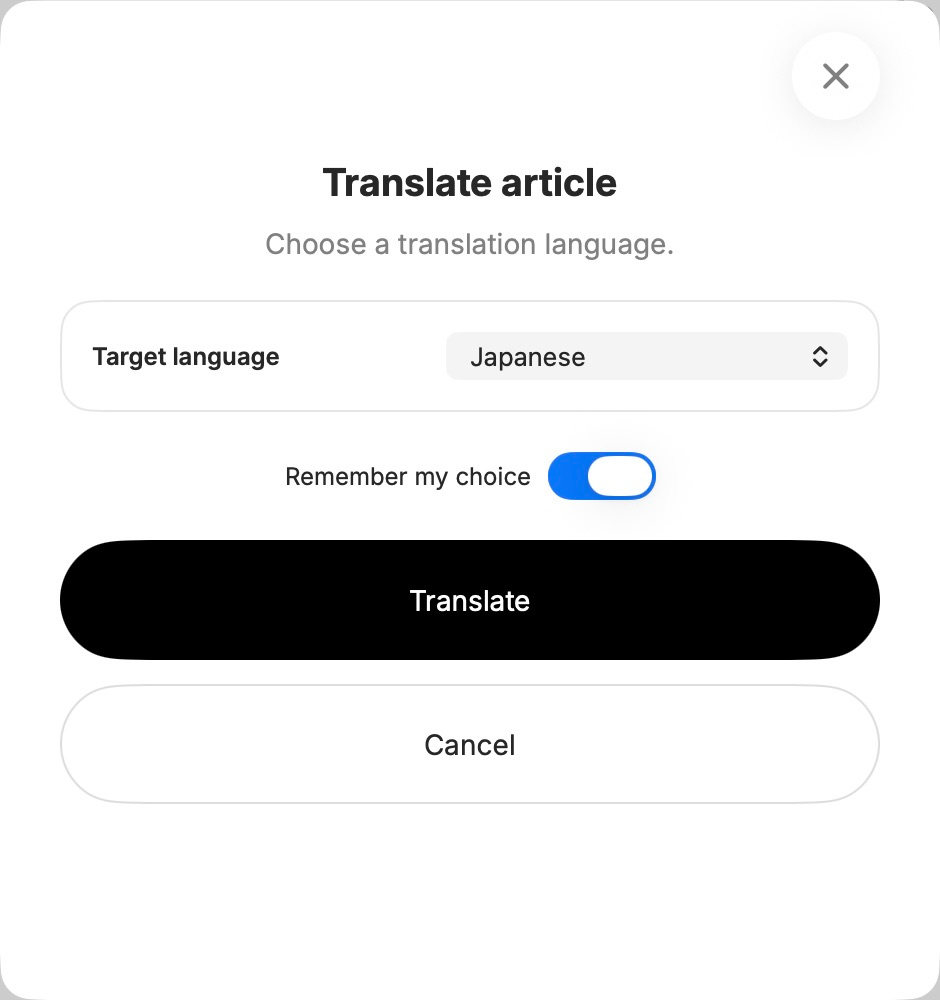
1. Original article2. Open Translate article3. Choose Japanese (you can choose any available language)4. Read in Japanese
Inspect feed health
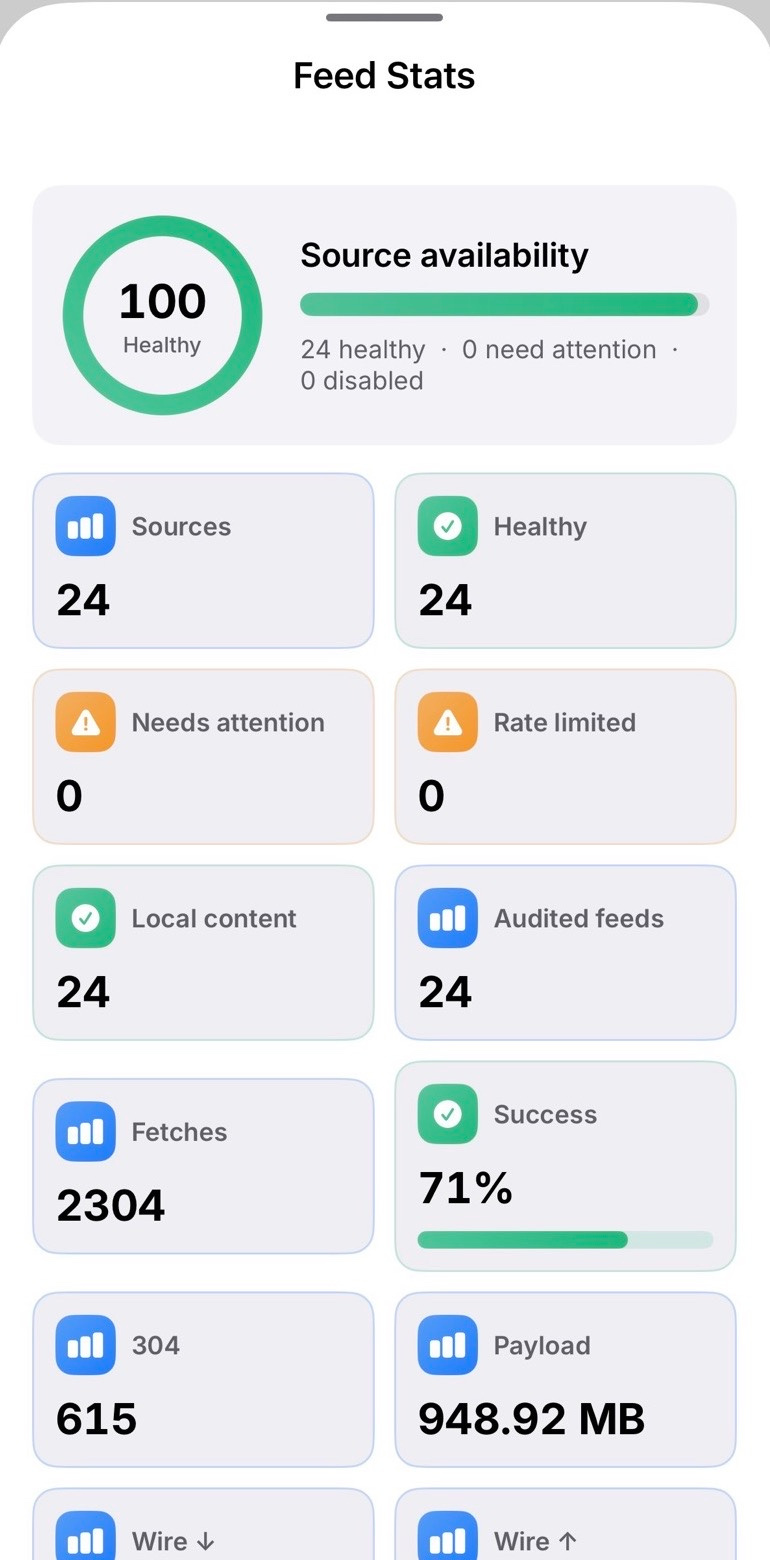
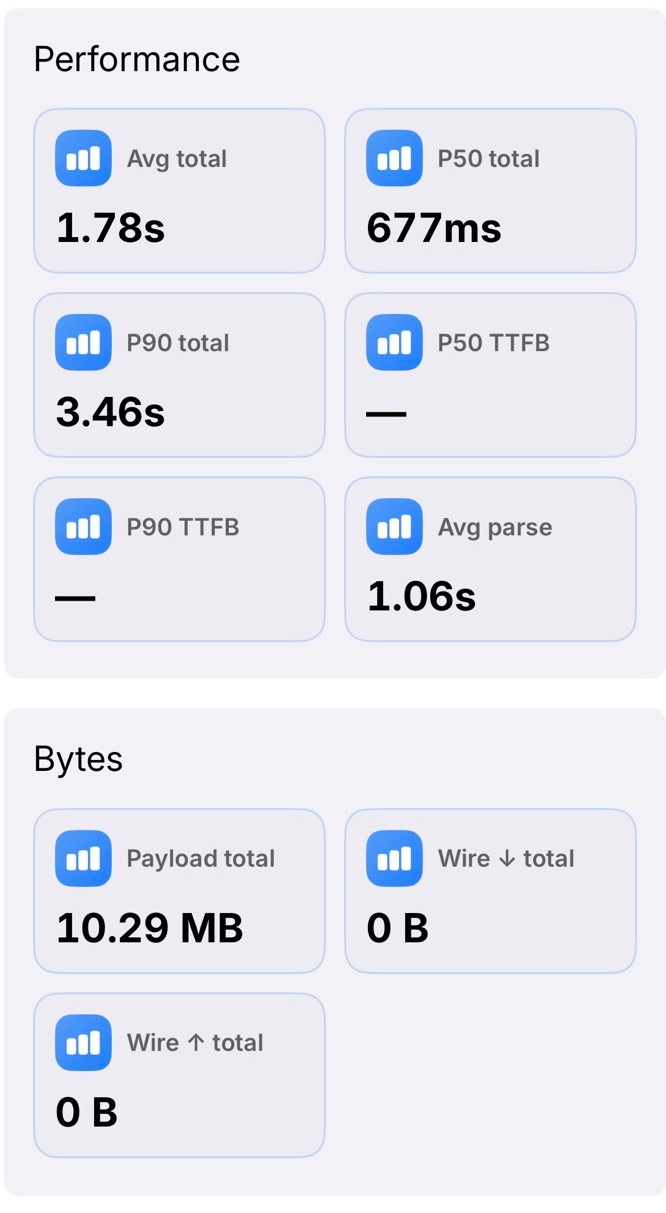
See observed retrieval problems and timing data when a source stops behaving as expected.
Feed health and failure visibility
Latency and status information from normal refresh work
Transfer and cache details where available
Possible shared-provider hints inferred from refresh behaviour
Feed health overviewRequest timing and transfer details
Keep source retrieval distinct from local reading
Keep local reading distinct from publisher retrieval, optional CloudKit synchronisation and user-directed external actions.
On-device reading library and organisation
User-added public RSS/Atom sources
Bounded publisher feed, image and selected audio requests
Separate paths for optional iCloud sync and user-directed external actions
Privacy and external actions
Choose what you see and how it reads.
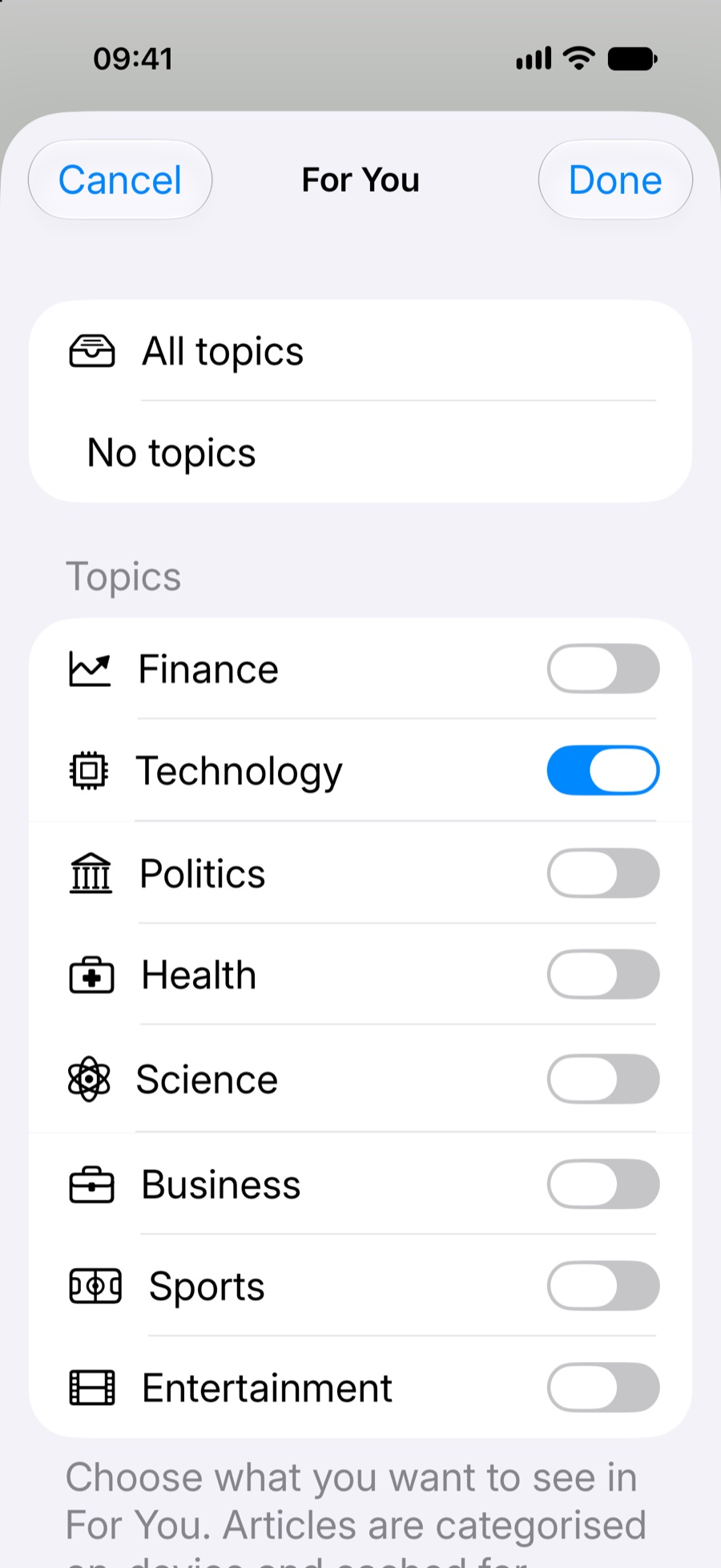
For You, with topics you choose
Enable the topics you want to follow in For You. Categorisation runs on device; your search, source and reading filters still apply.
Choose your topics
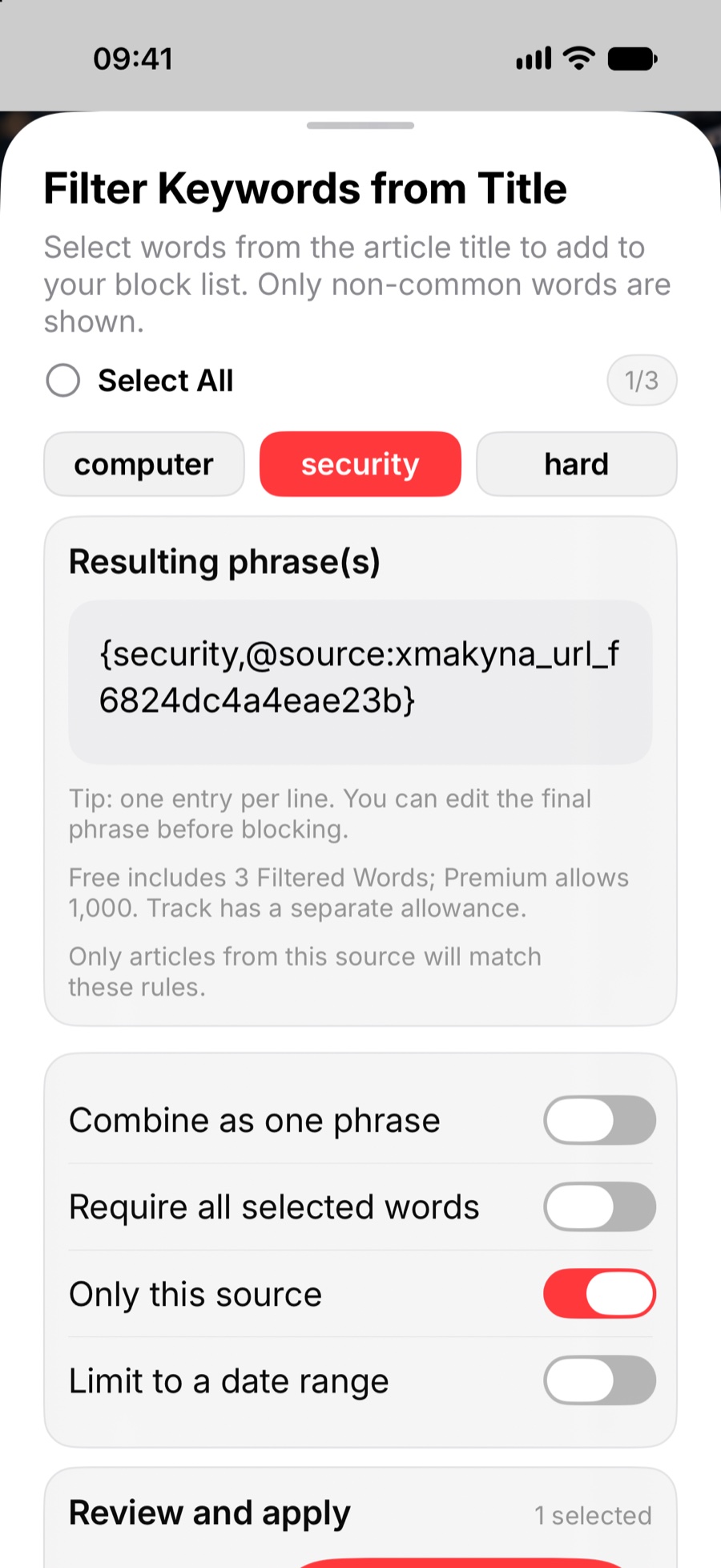
Keep unwanted words out of your queue
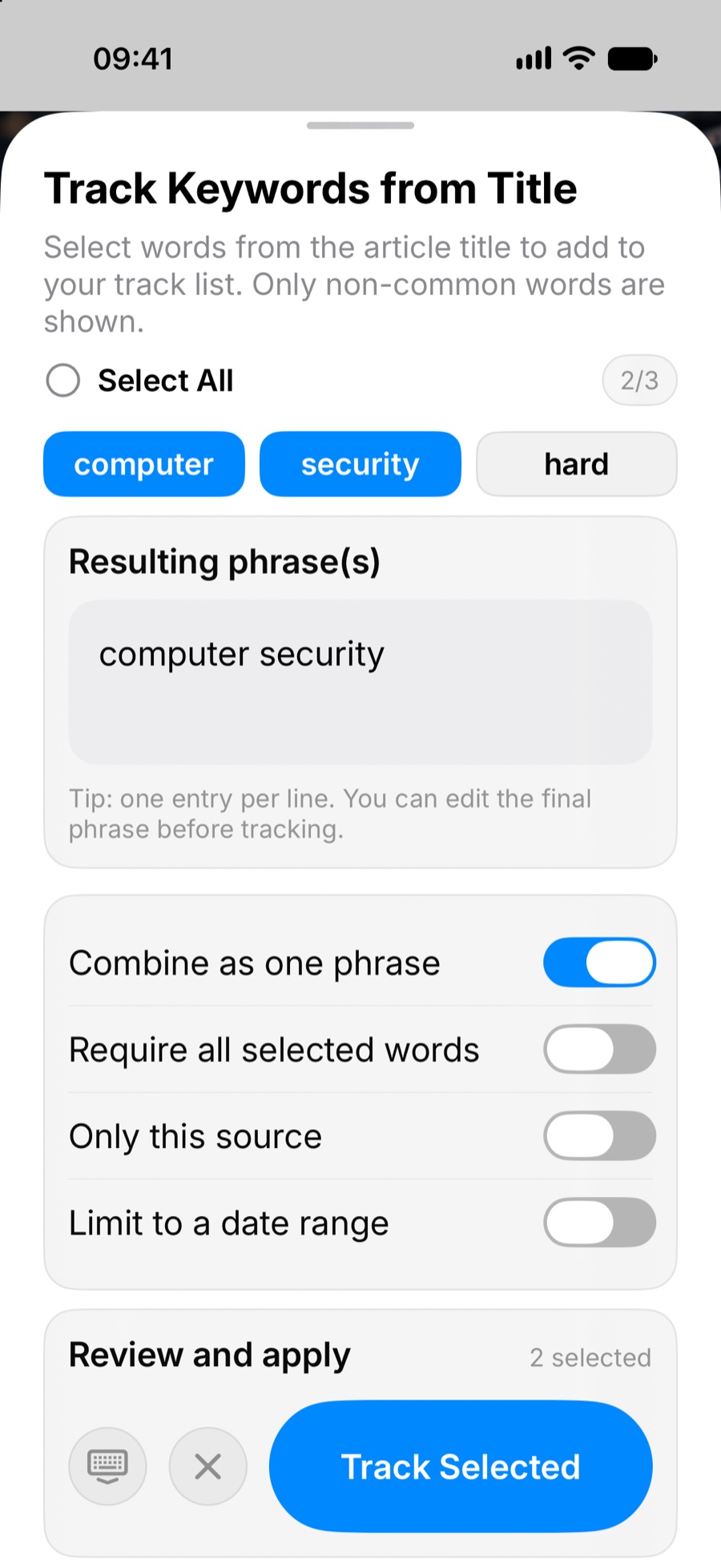
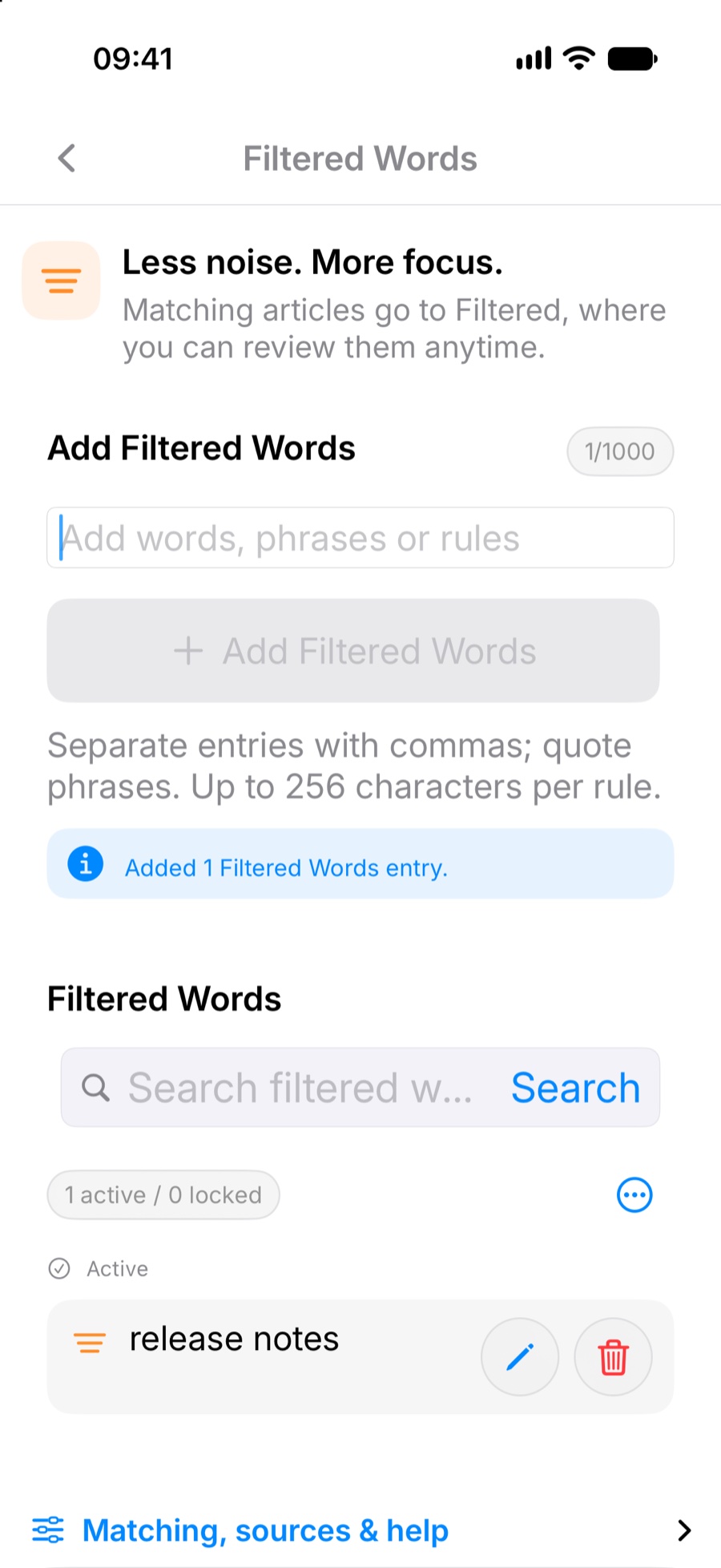
Choose words directly from an article title, limit a rule to that source when needed, and manage saved Filtered Words in Settings. Track and Filtered Words have separate allowances.
Block selected wordsManage Filtered Words
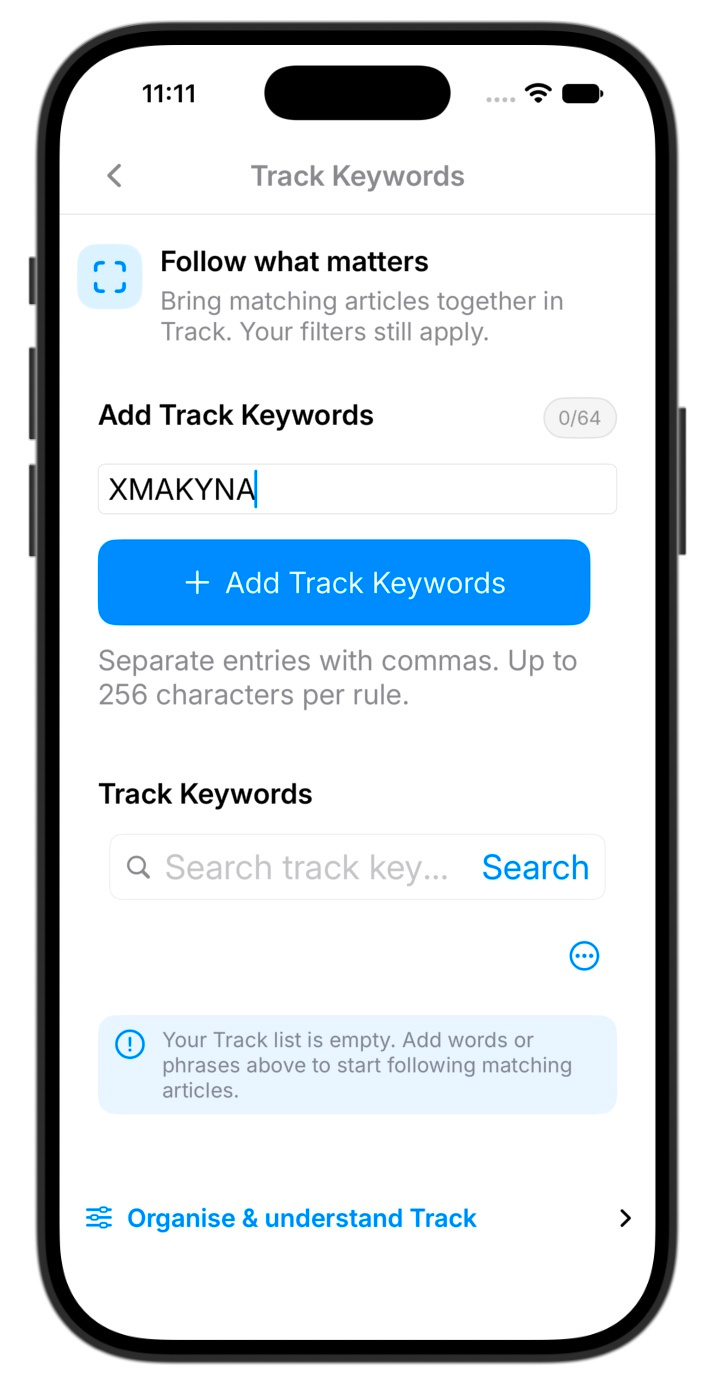
Follow words that matter with Track
Add a word or phrase to Track to bring matching articles together. Here, XMAKYNA is entered as the keyword to follow.
Manage Track rules
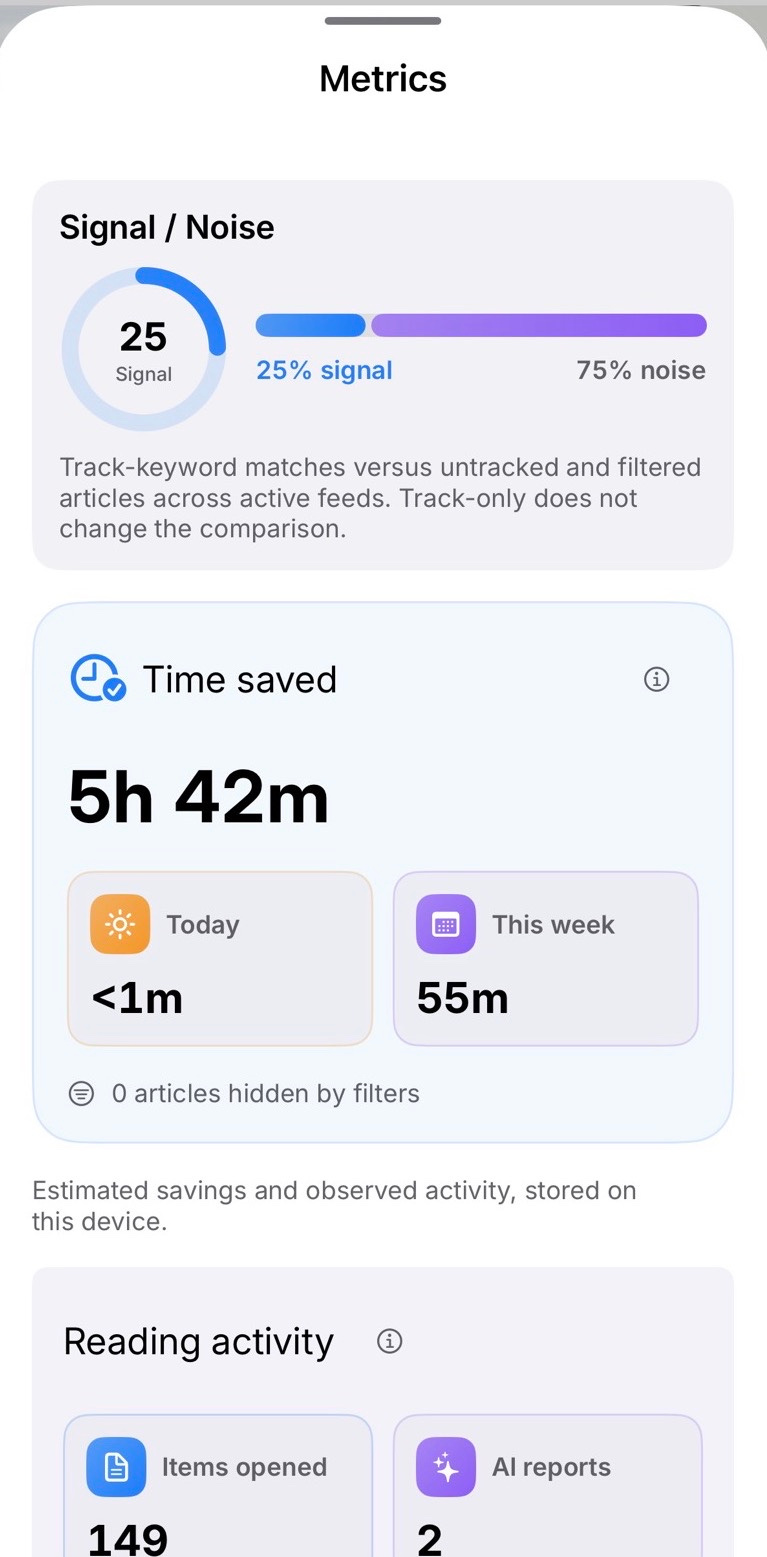
Review your reading metrics
See reading activity, estimated time saved, and how often articles match your Track keywords.
Reading activity and estimated time saved
Reading layouts and fonts
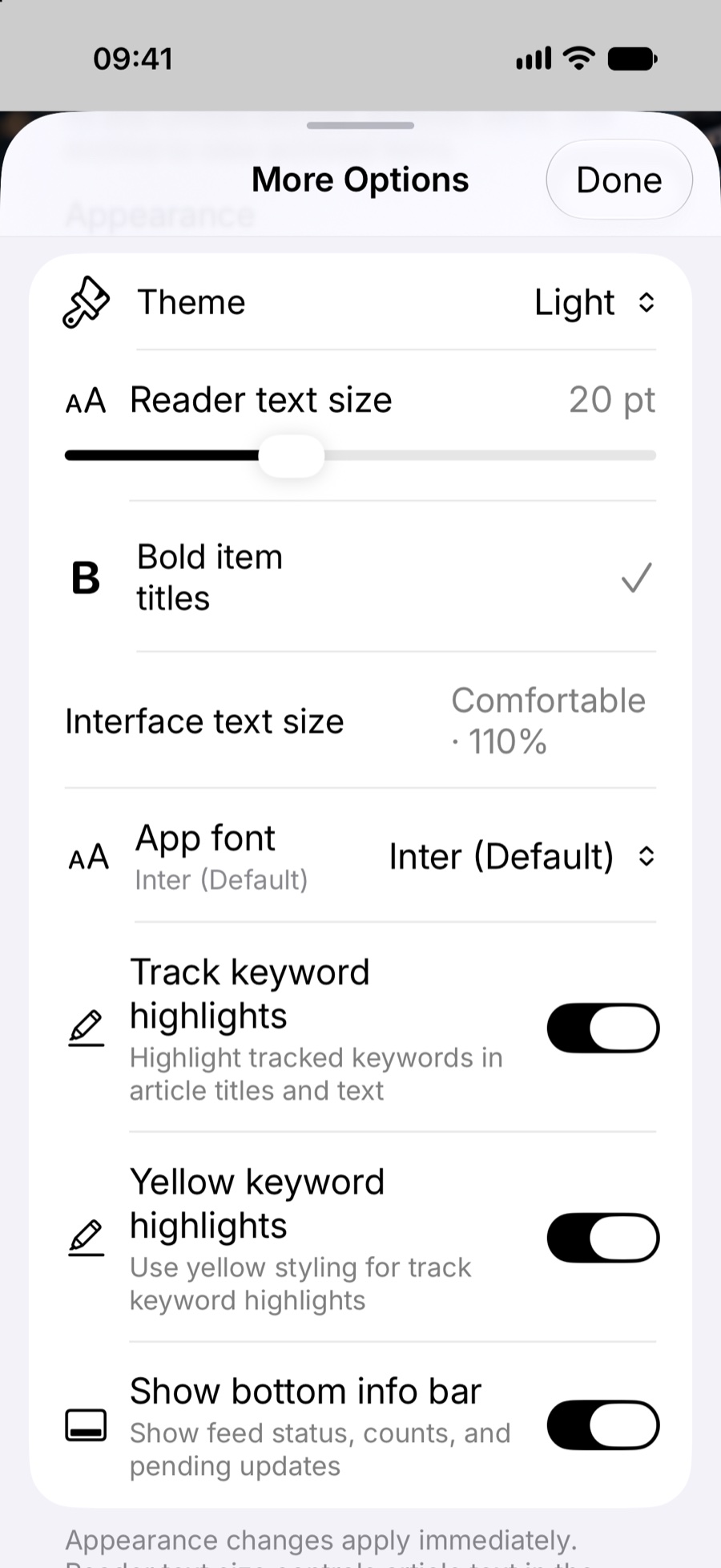
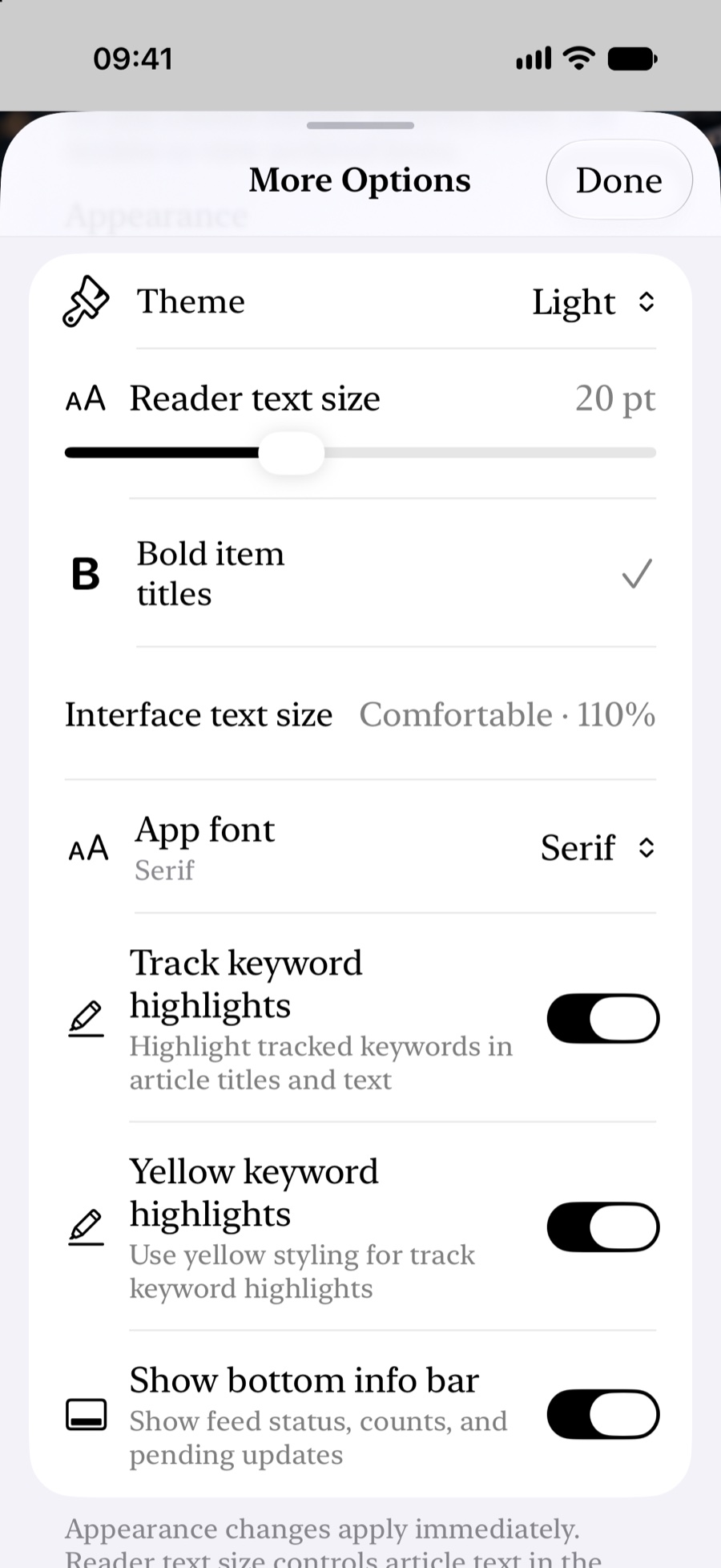
Switch between List, Card, Overlay and Story. Adjust reader text size, interface size, font design and keyword highlighting in More Options. The examples show the same controls in Inter and Serif.
Before: InterAfter: Serif
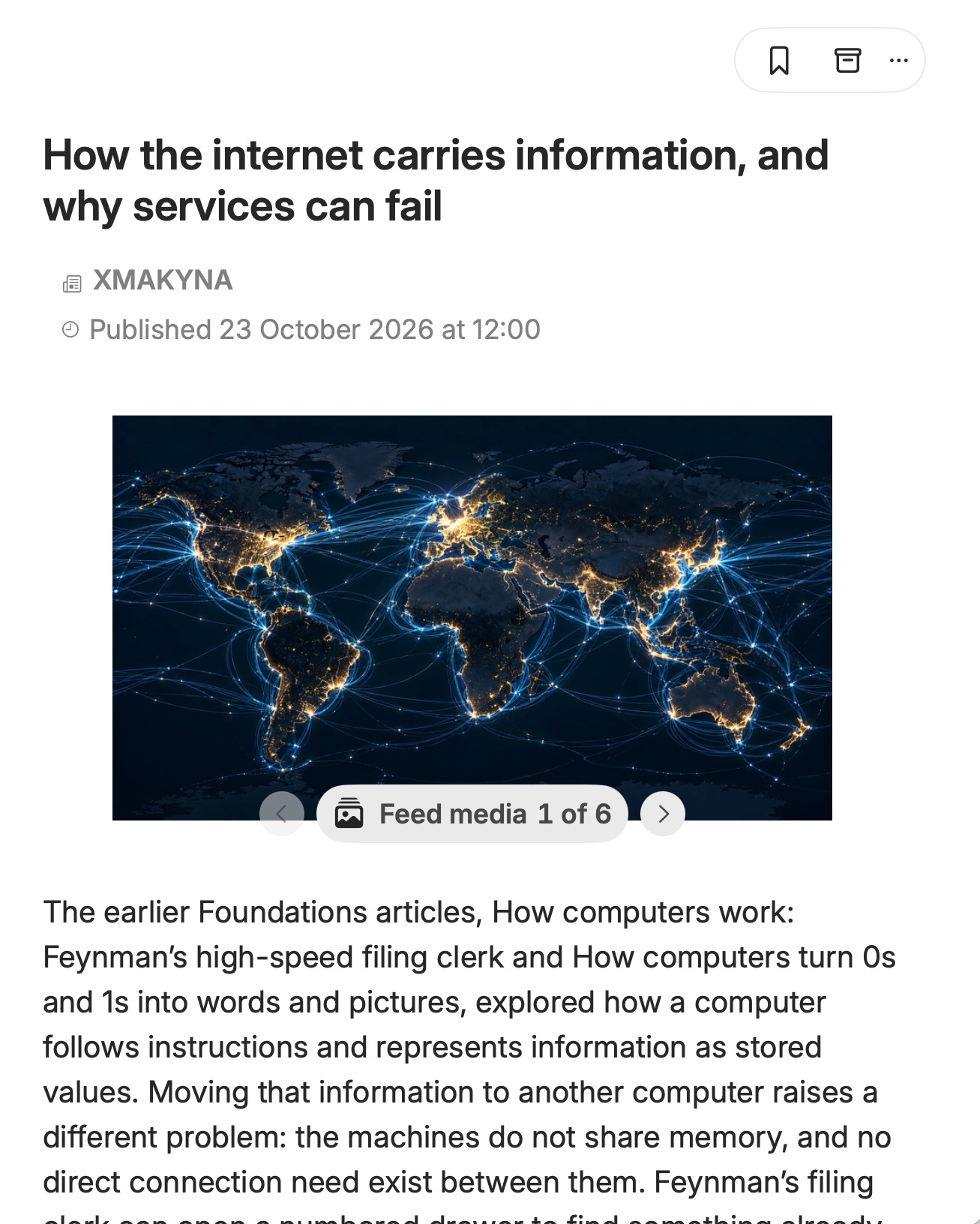
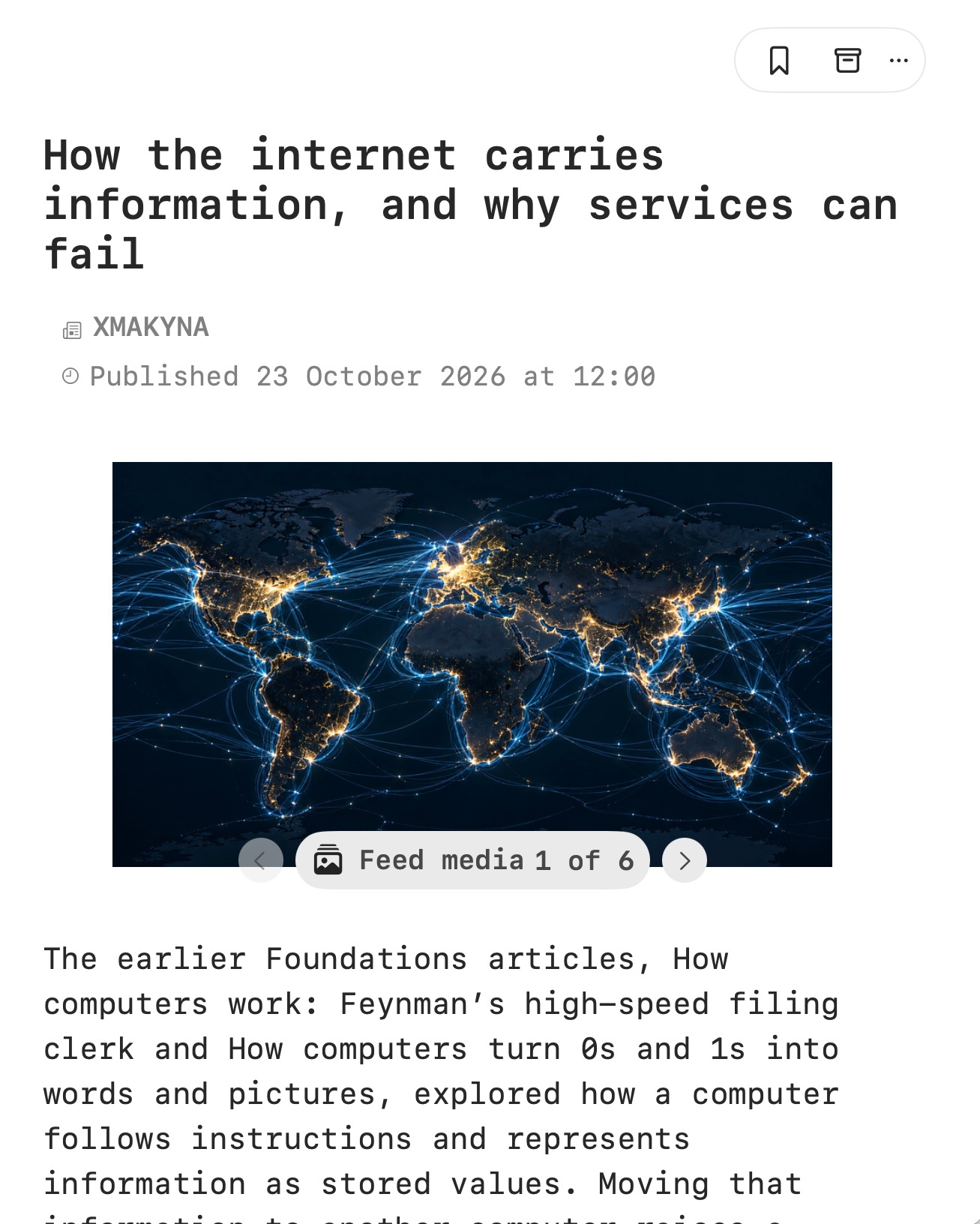
See what changes in the reader
The same article is shown in Inter and Courier on Mac.
InterCourier
Use cases
How these capabilities fit into a working day.
Review new items on your schedule
Open the feeds you chose, filter routine items and decide what needs attention now, what to save and what to archive. Your reading queue is yours; it is not a news stream curated by XMAKYNA.
Native article reader
Compare coverage without losing attribution
When an event develops, use tracked topics, search and related coverage to revisit earlier reporting and see which original publisher supplied each item.
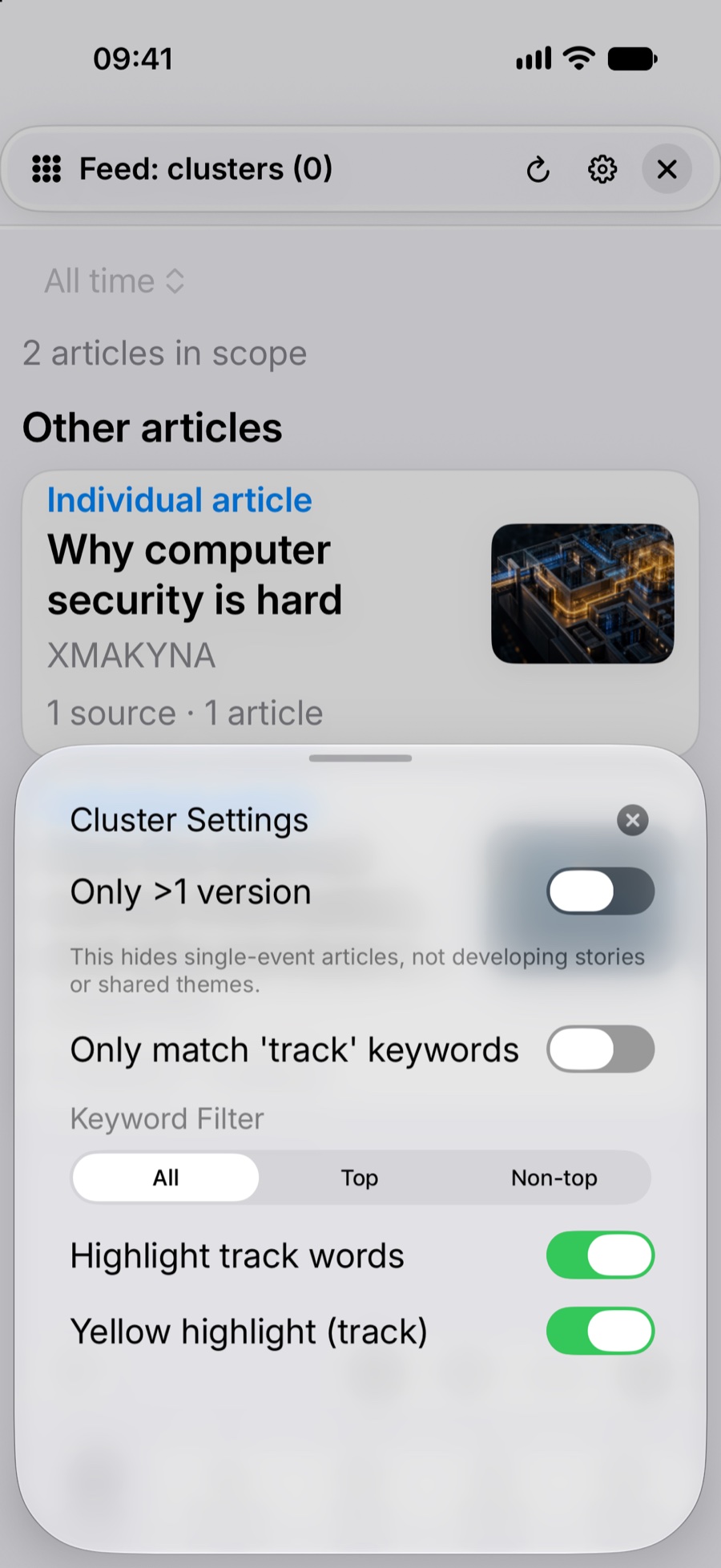
Focus cluster results
Listen instead of read
Play a supported publisher episode after downloading it, or listen to speech generated from a selected written item. For feed items, STIQRA uses the text supplied by the publisher in the downloaded feed rather than fetching the full article from a linked webpage.
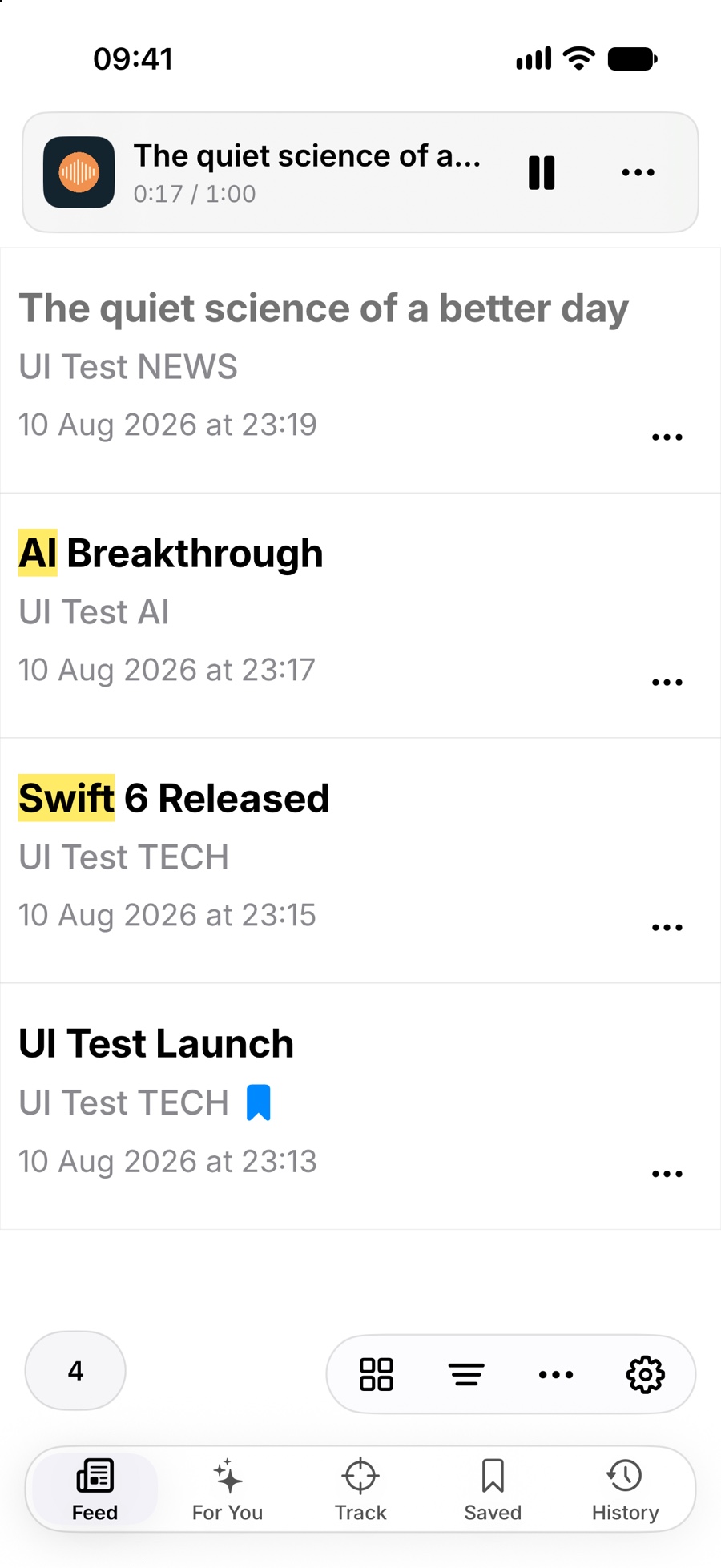
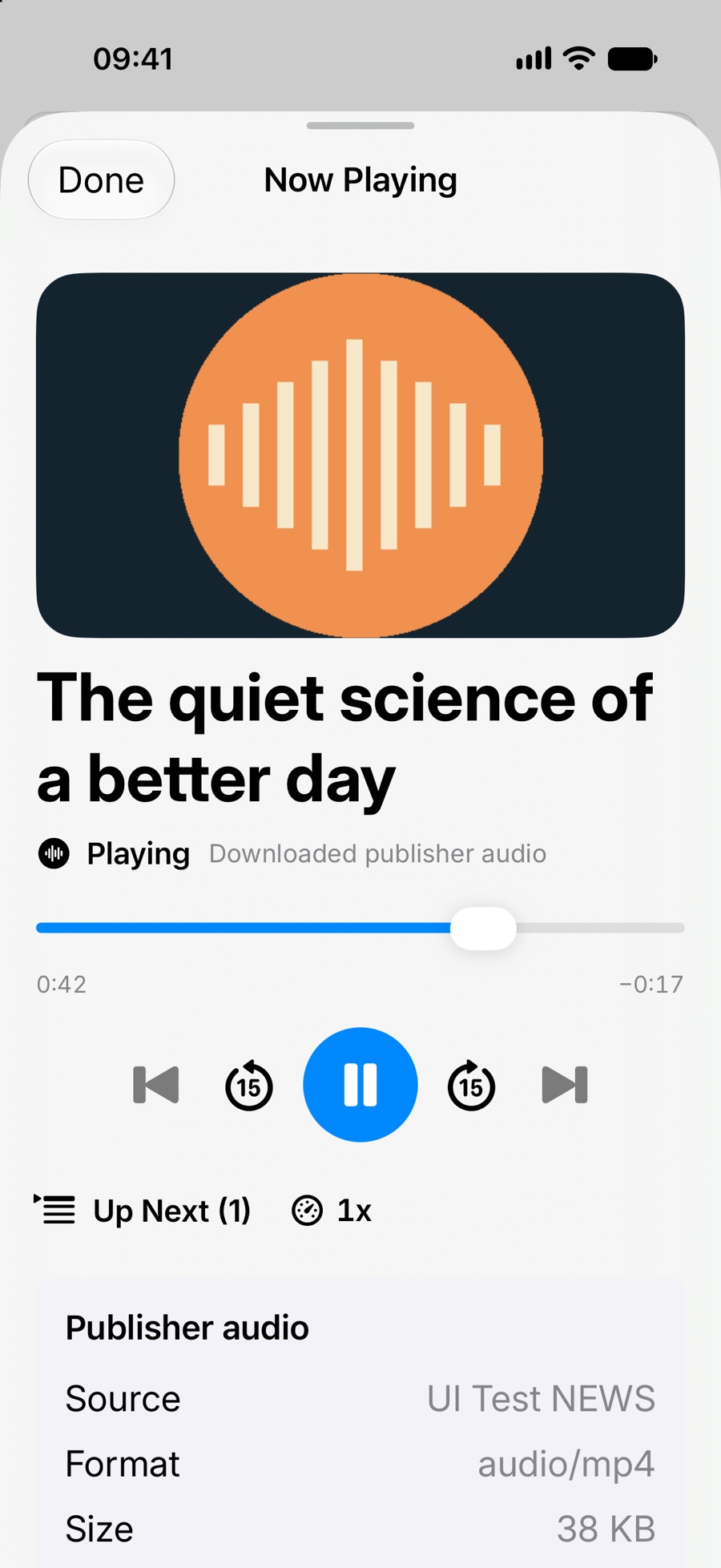
1. Listen while browsing2. Expand Now Playing3. Browse your audio library
Investigate a source that has fallen behind
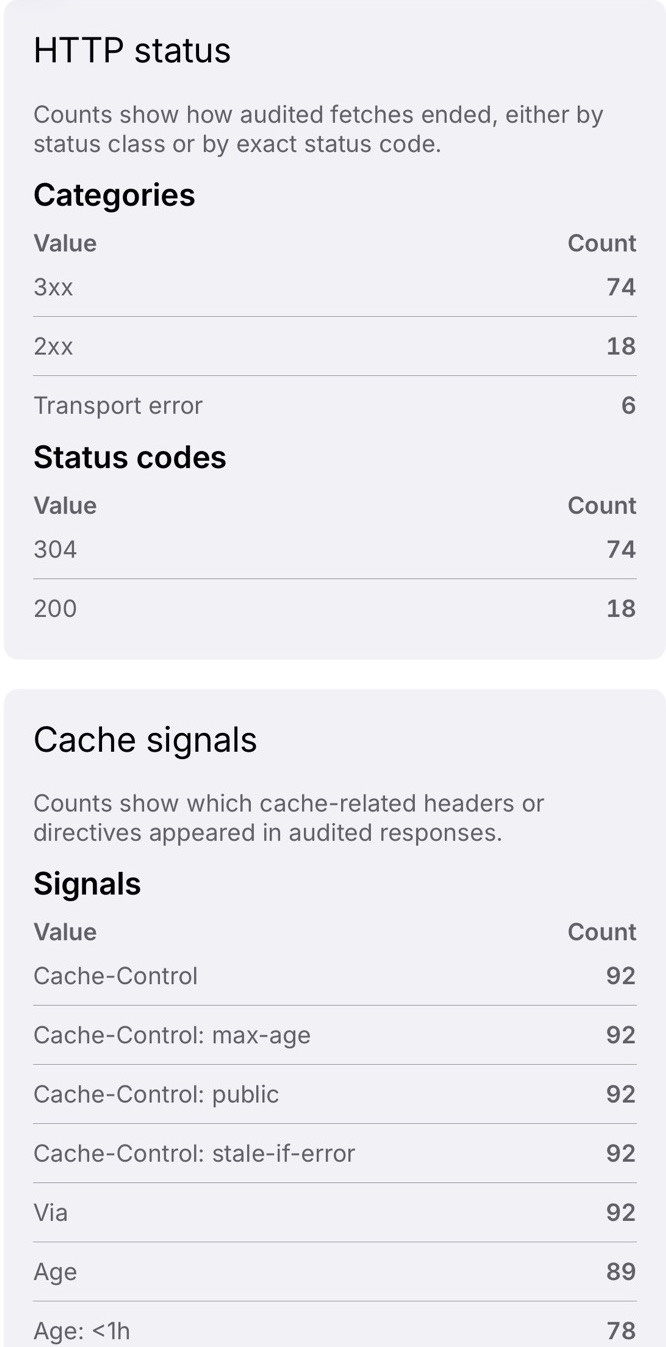
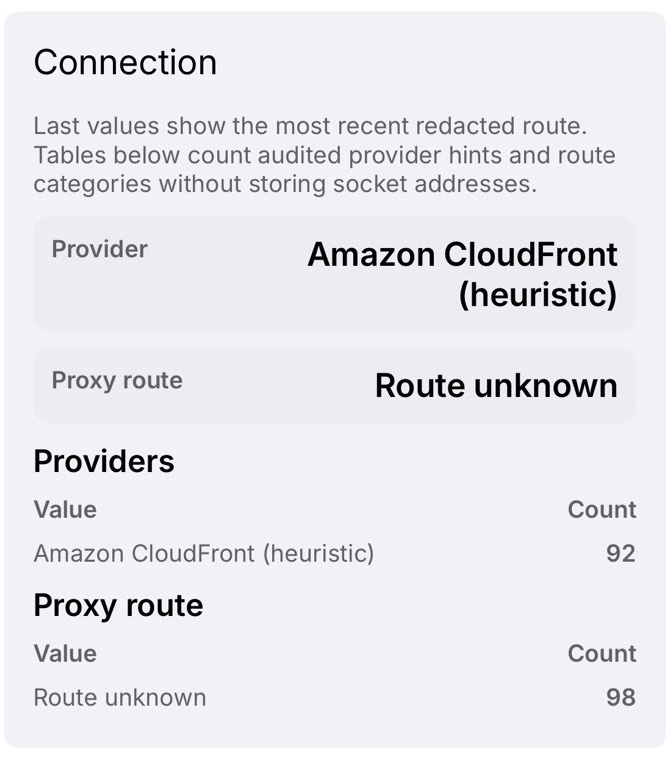
Use observed refresh failures, request timings and cache information to investigate a source that appears delayed. These are practical request observations, not a judgement of a publisher’s editorial quality or a guarantee of the underlying cause.
HTTP outcomes and cache signalsConnection and provider hints
A native workspace across Apple devices
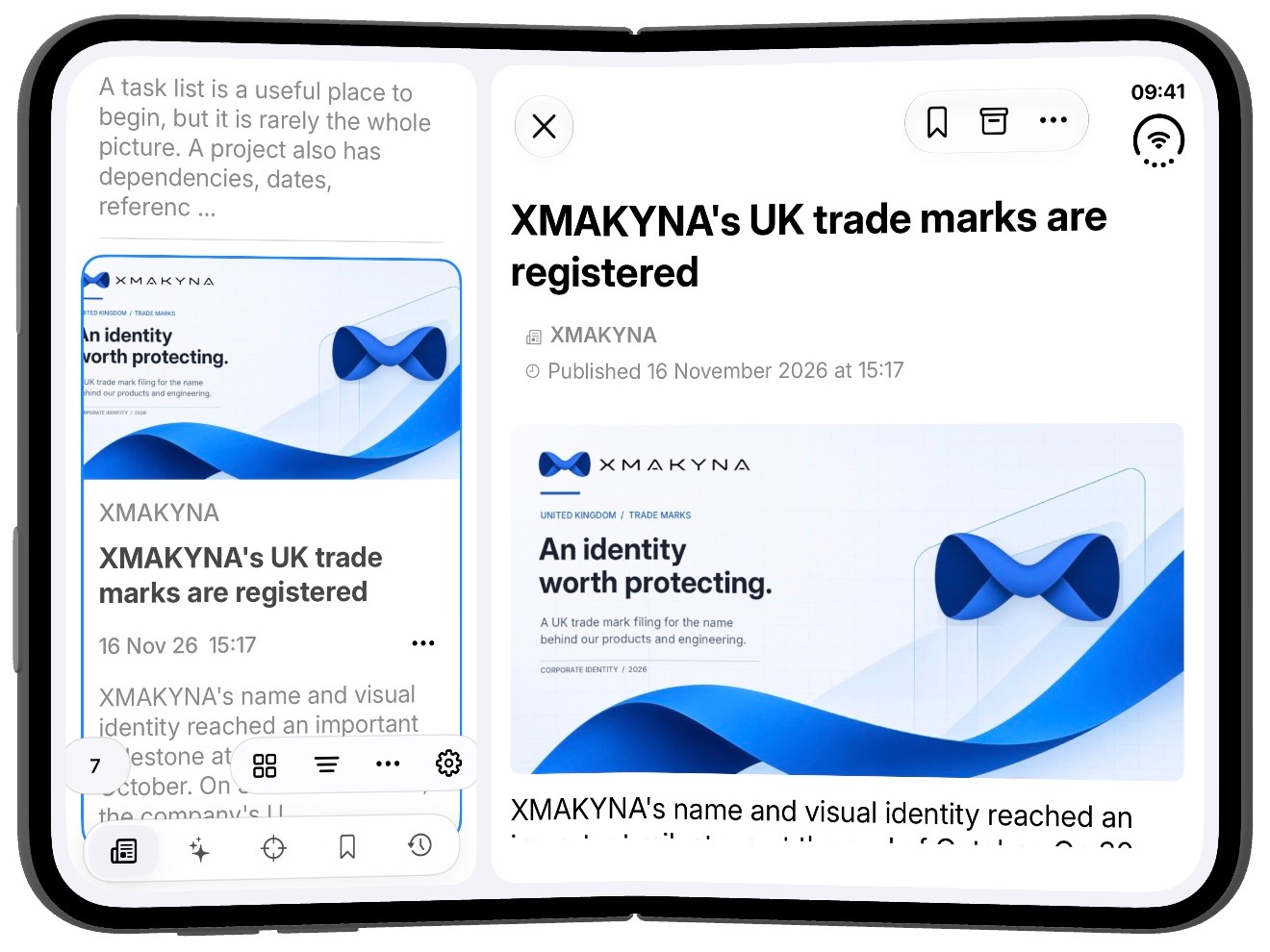
STIQRA on iPhone Duo
A native reading workspace on iPhone Duo.
STIQRA on iPhone Duo
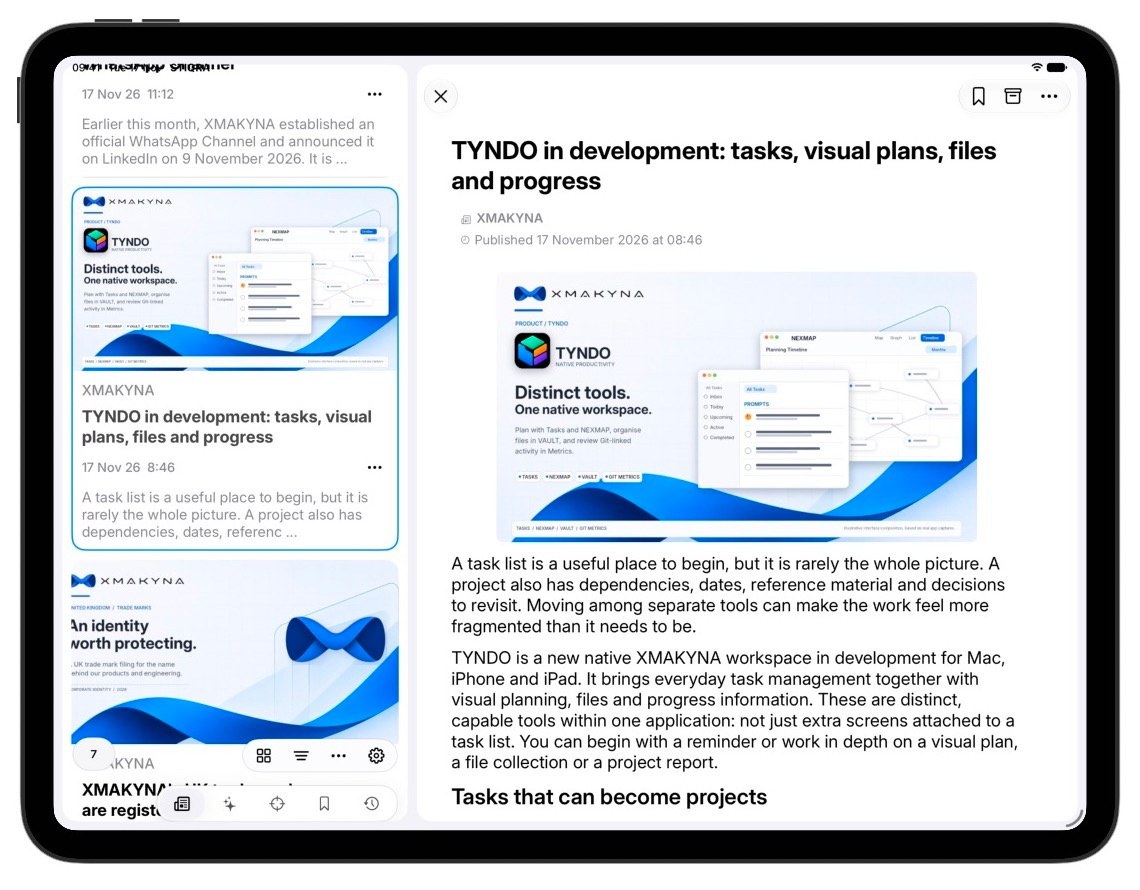
iPad: browse and read together
Keep your article list beside the open reader in a wide iPad window.
iPad reading workspace
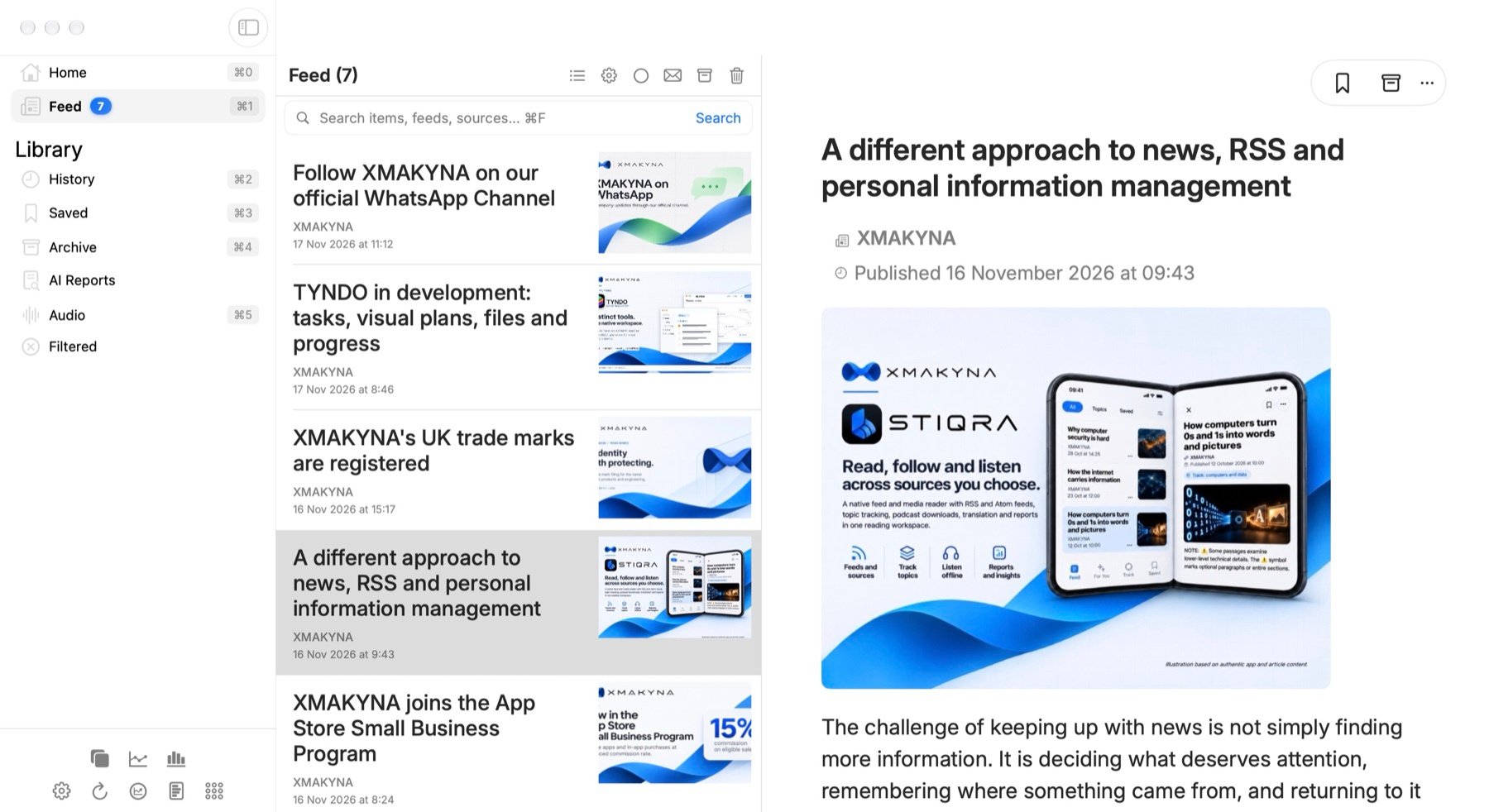
Mac: a native desktop library
Use Main List to navigate your library, scan headlines and read an article alongside the feed. Open the dedicated Card View window to browse the current list as a grid of article images and headlines while keeping Main List open.
Main List and article readerDedicated Card View window
Product facts
STIQRA at a glance.
Product
Native public RSS/Atom reader with supported publisher and generated audio
Status
Preparing for release
Sources
User-added RSS/Atom sources; the shipping configuration contains no built-in third-party feed catalogue
Processing
Reading state and ordinary content organisation are local-first; publisher retrieval, optional Apple CloudKit synchronisation and user-directed external actions use separate data paths
External services
No XMAKYNA-operated online service is required for core feed processing; optional external workflows are user-initiated
iPad reading workspace
Free and Premium
Free includes up to 5 active refreshable sources, 3 Track Keywords and 3 Filtered Words, with separate allowances for the two keyword lists. Reading, search, Saved, Archive, manual refresh and Auto Refresh are available on Free. Auto Refresh is off until you enable it.
STIQRA Premium adds more active sources, Clusters, up to 100 Track Keywords and 1,000 Filtered Words. Monthly and yearly plans, local prices and billing terms are shown by the App Store. Release is in preparation; a public App Store link will be added when confirmed.
Architecture boundary
Shipping code and runtime interactions are different categories.
Shipping code
The declared STIQRA code dependencies use XMAKYNA-owned Swift modules and Apple platform frameworks, without third-party code SDKs. That keeps the declared code dependency graph narrow; operating-system components and external services remain separate dependencies.
Runtime interactions
STIQRA retrieves admitted public HTTPS feeds and supported publisher media, including permitted redirects to other public hosts. Optional Apple CloudKit synchronisation and user-initiated ChatGPT report handoffs are runtime services, not code SDKs bundled into STIQRA.
Security architecture
Keep high-risk input handling in restricted helpers.
STIQRA is designed to route selected work involving untrusted feeds, media, files and handoff preparation through dedicated helper roles. These operations are subject to limits and checks appropriate to the data and the work being performed. The main application retains reading state and platform services that belong in the host. Isolating selected operations can restrict the consequences of a defect; it cannot make arbitrary content safe.
Current macOS and supported iOS/iPadOS configurations use ExtensionKit helpers for selected operations. The roles do not mean that every reader action or Apple system service runs in its own helper process.
Validate before use
Supported input paths apply the checks and resource limits appropriate to their work, including bounds on requests, file structure or media where relevant. Some network and native decoding work necessarily takes place within the controlled stage. Validation reduces particular risks; it is not a guarantee that source material is harmless.
Keep display inert
Render supplied items through native, bounded presentation paths rather than executing publisher scripts. Opening a linked webpage is a separate user action with its own browser security context.
Constrain what a helper can reach
A helper role is useful when its responsibilities, permissions and message interfaces are kept narrow. The host still needs to check the results it receives; isolation limits the authority available to a defective component rather than making it infallible.
Test boundary changes
Changes to input handling, limits and cross-process messages need regression tests and reviews. These checks establish specific behaviour in tested configurations, not a claim that the entire product is immune to compromise.
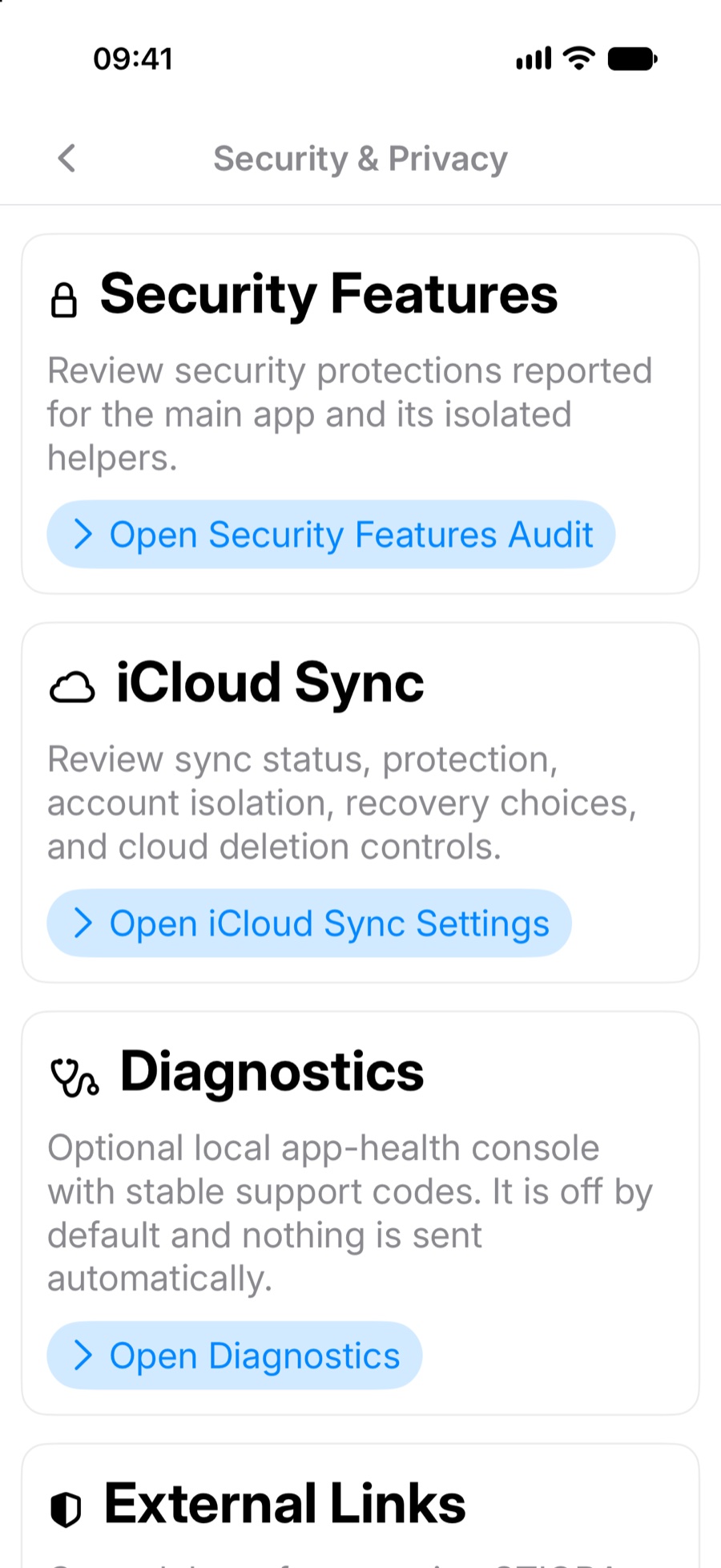
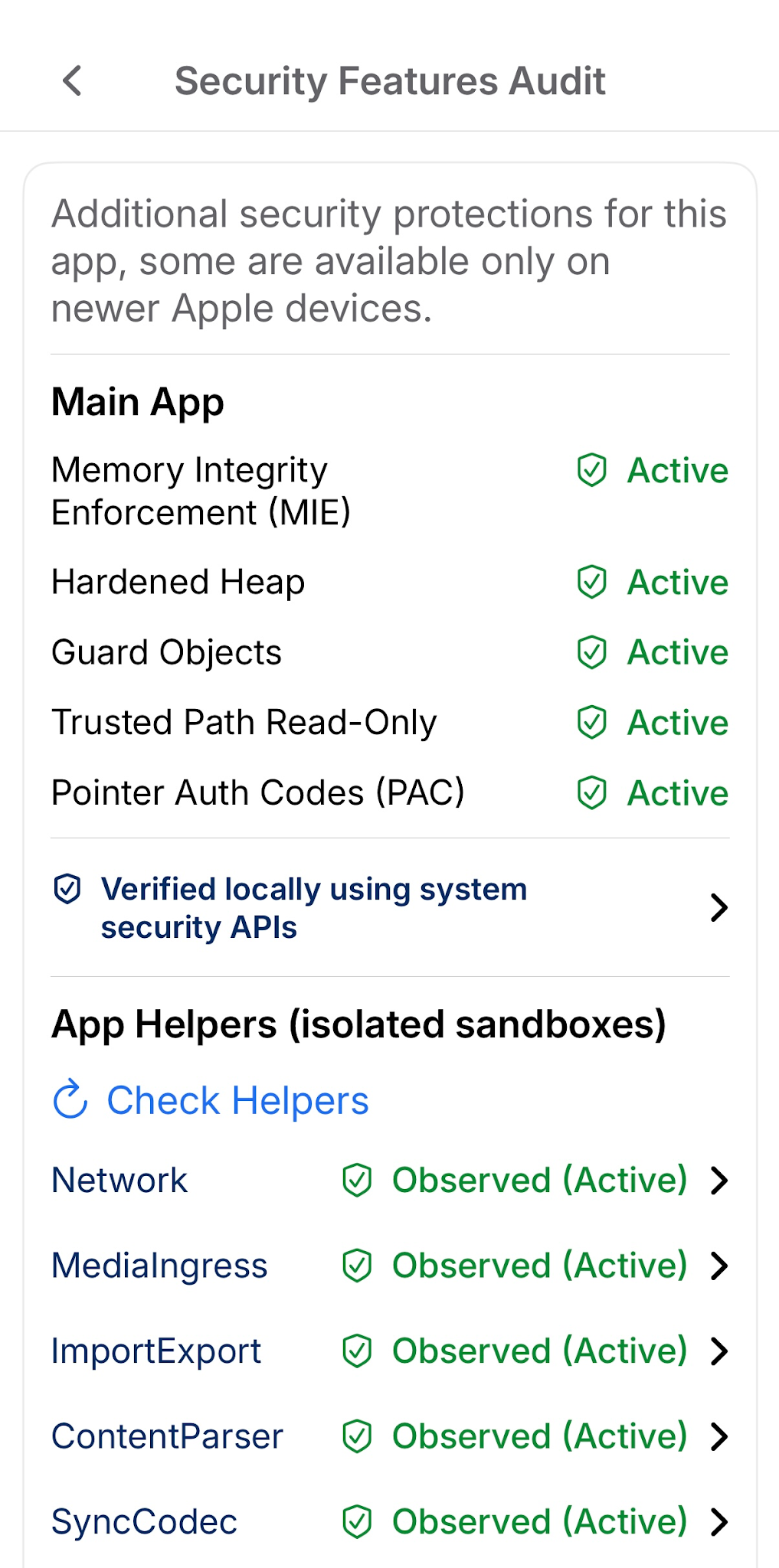
Security Features Audit
Memory Integrity Enforcement (MIE)
On supported devices, hardware checks whether a pointer tag matches the allocation it accesses. A mismatch can reveal certain out-of-bounds or use-after-free accesses. STIQRA configures checked allocations for supported targets. Coverage depends on the platform, allocator and enforcement state of each process.
Pointer Authentication (PAC)
Cryptographic signatures help detect changes to selected pointers, reducing the risk of some control-flow attacks. PAC is separate from memory tagging and relies on compatible architecture, compiler and linker settings, including arm64e where applicable. Neither PAC nor MIE covers every memory access.
Hardened Heap and Guard Objects
Allocator hardening makes some heap corruption harder to exploit. Guard Objects can make selected freed regions inaccessible, allowing the system to trap later accesses to those regions.
Trusted Path Read-Only
Apple’s read-only platform memory protection limits writes to selected runtime structures used by the dynamic loader and other platform components. Coverage is limited to the regions the platform protects.
Isolated Helpers
Restricted helper processes handle selected untrusted input with constrained permissions. STIQRA validates messages across process boundaries, applies resource limits and handles failures without giving the helper the main app’s access.
Swift 6 strict memory-safety hardening
Strict compiler checks surface operations that require unsafe access in project code. These checks complement runtime and hardware protections and do not cover every vulnerability in the app or its dependencies.
Security is engineered into the build.
Strict Swift 6 checking, Apple Enhanced Security, pointer authentication, typed allocation and security-related compiler diagnostics are explicitly configured in STIQRA's build system.
STIQRA / Security Build Configurationproject.yml
# These are only a few selected configuration options.SWIFT_VERSION: 6.0SWIFT_STRICT_CONCURRENCY: completeSWIFT_STRICT_MEMORY_SAFETY: YESENABLE_ENHANCED_SECURITY: YESENABLE_POINTER_AUTHENTICATION: YESCLANG_ENABLE_C_TYPED_ALLOCATOR_SUPPORT: YESCLANG_ENABLE_CPLUSPLUS_TYPED_ALLOCATOR_SUPPORT: YESCLANG_ENABLE_STACK_ZERO_INIT: YESENABLE_CPLUSPLUS_BOUNDS_SAFE_BUFFERS: YESENABLE_SECURITY_COMPILER_WARNINGS: YESSWIFT_TREAT_WARNINGS_AS_ERRORS: YESGCC_TREAT_WARNINGS_AS_ERRORS: YESCLANG_TREAT_WARNINGS_AS_ERRORS: YES
Selected settings from STIQRA's XcodeGen project configuration.
Privacy
Local reading state and deliberate external actions.
STIQRA keeps its reading library and ordinary organisation on the device. Retrieving a feed or supported publisher media contacts external hosts; some permitted redirects and media requests can reach different public HTTPS origins from the original feed. If you enable iCloud Sync, selected reading state also moves through Apple’s private CloudKit service. Opening a webpage, sharing, exporting and external-report handoffs are separate user-directed workflows, while Apple Translation and speech use platform services.
Reading state
Feed-provided articles, saved and archived state, filters and source settings are maintained in app storage. If iCloud Sync is enabled, supported selected categories of that state also synchronise through Apple CloudKit; downloaded media is not simply a mirror of the local library.
Feed and image requests
STIQRA retrieves user-selected public HTTPS feeds and supported publisher media. Admitted redirects, publisher image hosts and explicitly downloaded audio can involve other public HTTPS destinations. Those providers may observe the requests they receive.
External actions
Opening a browser, sharing, copying, exporting or preparing a report for ChatGPT is a distinct user-directed action. Apple Translation and local audio generation use system services rather than constituting an automatic handoff of reading content to ChatGPT.
Optional iCloud synchronisation
When enabled, STIQRA synchronises supported selected information with the user’s private Apple CloudKit database. This is optional, separate from ordinary local reading and distinct from publisher-hosted feed requests.